ai/accuracy-why-a-spam-filter-that-is-99-right-can-still-catch-nothing.md
Accuracy: why a spam filter that is 99% right can still catch nothing
A spam filter that never flags anything can score 99% accuracy when only 1 email in 100 is spam. So what should you measure instead?
This short read builds the confusion matrix (the four ways a yes/no decision can be right or wrong), then defines precision and recall with Python you can run. A live grid of 200 emails lets you drag the threshold and watch caught spam, missed spam and false alarms trade places.
The filter that is 99% right and catches nothing
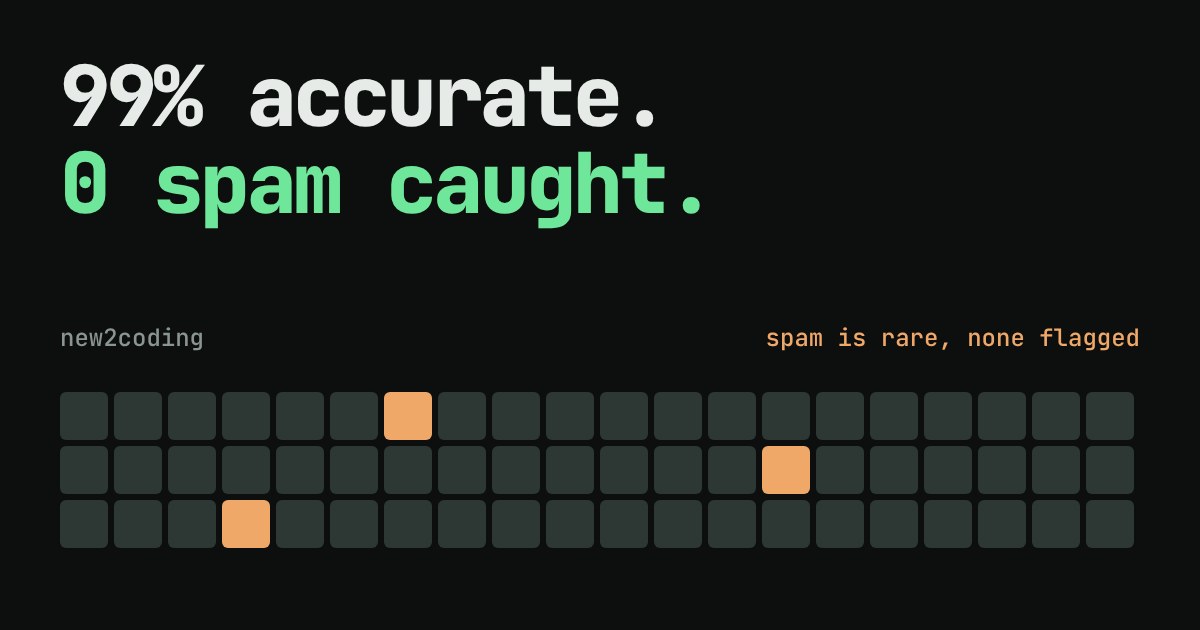
Imagine you build a spam filter and test it on 1,000 emails. It gets 990 of them right. That is 99% accuracy, which sounds like an A+. Then you read the details: the filter has never flagged a single email. It simply says "not spam" to everything.
How can doing nothing score 99%? Because only 10 of the 1,000 emails were really spam. Saying "not spam" every time is right for the other 990. Here is that "filter" as Python code:
actual = ["spam"] * 10 + ["ham"] * 990
guess  = ["ham"] * 1000            # a "filter" that never flags anything

correct = sum(a == g for a, g in zip(actual, guess))
print("accuracy:", correct / len(actual))
print("spam caught:", sum(a == g == "spam" for a, g in zip(actual, guess)))
Running it prints:
accuracy: 0.99
spam caught: 0
("Ham" is the traditional name for good email, the opposite of spam.) The lesson reaches far beyond spam. Whenever one outcome is rare, such as fraud, a disease, or a broken part on a factory line, a single accuracy number can hide a model that is useless. We need to count the different ways of being right and wrong separately.
Four boxes: the confusion matrix
For any yes/no decision, each email falls into one of four boxes, depending on what is true and what the filter said:
| Filter says spam | Filter says not spam | |
|---|---|---|
| Really spam | True positive (TP): caught it | False negative (FN): missed it |
| Really good mail | False positive (FP): good mail wrongly flagged | True negative (TN): correctly left alone |
This grid of four counts is called a confusion matrix. "Positive" just means "the filter said yes, this is the thing we are looking for". It does not mean "good". Accuracy is the share of emails in the two correct boxes: (TP + TN) divided by the total. Because TN is usually huge, it swamps everything else.
Two better questions: precision and recall
Two other numbers look at the boxes that matter:
Precision asks: of the emails the filter flagged, how many were really spam? It is TP / (TP + FP). Low precision means good mail is landing in the spam folder.
Recall asks: of all the real spam, how much did the filter catch? It is TP / (TP + FN). Low recall means spam keeps reaching your inbox.
Here is a filter that behaves more like a real one, written as a small function. It flags 8 emails: 6 really are spam, 2 are good mail. It also misses 4 spam emails.
def scores(actual, flagged):
    tp = sum(a == "spam" and f for a, f in zip(actual, flagged))
    fp = sum(a == "ham" and f for a, f in zip(actual, flagged))
    fn = sum(a == "spam" and not f for a, f in zip(actual, flagged))
    tn = sum(a == "ham" and not f for a, f in zip(actual, flagged))
    accuracy = (tp + tn) / len(actual)
    precision = tp / (tp + fp) if tp + fp else 0.0
    recall = tp / (tp + fn) if tp + fn else 0.0
    return tp, fp, fn, tn, accuracy, precision, recall

actual = ["spam"] * 10 + ["ham"] * 990
flagged = [True] * 6 + [False] * 4 + [True] * 2 + [False] * 988
Printing the results gives:
caught spam (TP): 6
good mail flagged (FP): 2
spam missed (FN): 4
good mail passed (TN): 988
accuracy: 0.994
precision: 0.75
recall: 0.6
Accuracy rose to 99.4%, yet the filter misses 4 of 10 spam emails and one in four of its flags is a mistake. Precision (0.75) and recall (0.6) tell that story. Accuracy does not.
Try it: move the threshold
Most spam filters do not say yes or no directly. They give each email a score from 0 to 100, and you choose a threshold: flag everything scoring at or above it. The grid below holds 200 emails sorted by score, lowest first, so the cut always falls between two neighbours. Orange squares are really spam and grey squares are really good mail. Squares with a green outline are the ones your filter flags. The data is made up for this demo, and 10 of the 200 emails are spam.
The trade-off: you cannot max out both
Slide the threshold down and the filter catches more spam, so recall goes up. But it also starts flagging more good mail, so precision drops. Slide it up and the opposite happens. Precision and recall pull against each other, and moving the threshold trades one for the other. No threshold is "correct" on its own.
The right setting depends on what each mistake costs:
For a personal inbox, a false positive (your landlord's email in the spam folder) usually hurts more than a false negative (one extra ad), so you favour precision. For a medical screening test, a false negative (a missed illness) is far worse than a false alarm that leads to a second test, so you favour recall. Neither answer is universal. It is a decision about people, and the maths just makes the trade visible.
What to do in your own code
Whenever you evaluate a yes/no model, whether it detects spam, fraud or defects in photos, do three things:
First, check how rare the "yes" cases are. If they are only a few percent of the data, accuracy alone will flatter you, so compare against the lazy "always no" baseline, as in the first code sample. Second, report the four counts and compute precision and recall. If you use Python's scikit-learn library, precision_score and recall_score in sklearn.metrics do the arithmetic for you. On the example above they return the same 0.75 and 0.6 as the hand-written function. Third, decide in plain words which mistake is more costly, then pick your threshold on purpose instead of leaving it at the default.
A high accuracy number can be true and still be uninformative. Ask what the model gets wrong, and who pays for it.