software-design/refactoring-how-to-tidy-working-code-without-breaking-it.md
Refactoring: how to tidy working code without breaking it
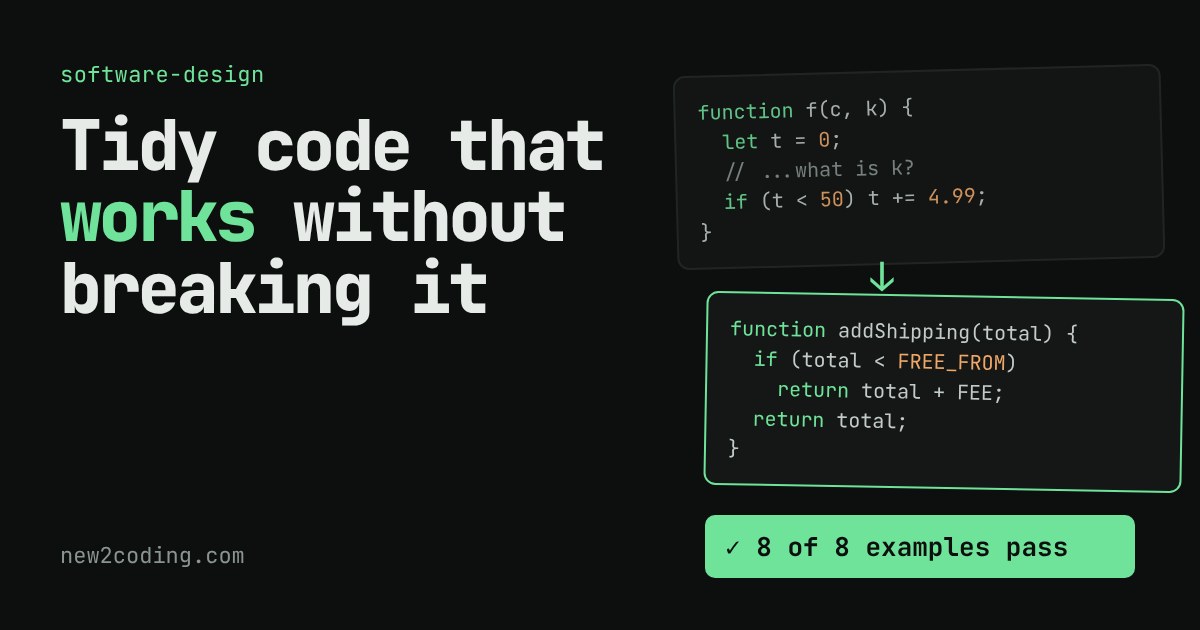
Refactoring means changing how code is built on the inside without changing what it does. It sounds risky, but there is a simple routine that makes it safe: write down examples with the answers you expect, change one small thing, and run the examples again.
In this article you will clean up a small, working price calculator in four steps (better names, named constants, small functions) while the page re-runs the same eight tests after every step. Then you can slip in a one-character mistake and watch the tests catch it. You will also see why the examples at the edges matter most.
You have a function that works. Customers use it, nobody complains, and every time you open it your eyes glaze over. Somebody says "we should clean that up," and a quieter voice says "but what if we break it?"
That worry is fair. The good news is that there is a name for the safe way to do this, and a simple trick that makes it safe.
What refactoring means
Refactoring is changing how code is built on the inside without changing what it does on the outside. The program gives the same answers before and after. Only the code a human has to read changes. Martin Fowler, who wrote the best-known book on the subject, describes it as restructuring code to make it easier to understand and cheaper to change without altering its observable behaviour.
That last part is the whole definition. If the answers change, you did not refactor. You changed the program, which is fine, but it is a different job with different risks. Mixing the two in one go is how people lose an afternoon.
A function that works but is hard to read
Here is a small shop's price calculator. It adds up a cart, takes 10% off if the customer enters the code SAVE10, and adds a 4.99 delivery fee if the total is under 50.
function f(c, k) {
  let t = 0;
  for (let i = 0; i < c.length; i++) {
    t = t + c[i].price * c[i].qty;
  }
  if (k === 'SAVE10') {
    t = t - t * 0.1;
  }
  if (t < 50) {
    t = t + 4.99;
  }
  return Math.round(t * 100) / 100;
}
It runs correctly. But what are c, k and t? Why 0.1? Is that 10% off, or something else? Where does the rule "free delivery from 50" live? You have to read every line to find out, and the person who must change the delivery rule in six months will be you, having forgotten all of it.
The safety net: tests that never change
The trick is to write down, before you touch anything, a handful of examples with the answers you expect. In code these are called tests: small checks that run the function with a known input and compare the result to the answer you expect. Run them first (they should pass), then make one small change, then run them again. If they still pass, the behaviour did not change.
Two habits make this work. First, take small steps, one change at a time, so that when something fails you know which change did it. Second, never edit the tests during a refactor. They are the fixed yardstick, and if you edit the ruler while measuring, you learn nothing.
Also pick examples at the edges. The most useful test below is the cart worth exactly 50. A rule like "under 50 pays delivery" is where mistakes like writing <= instead of < hide.
Try it: refactor in four steps
The figure below holds the original function and three refactoring steps. Click through them. Each time, the page really builds the function from the code you see and runs the same eight examples against it. Then press the orange button to slip a deliberate mistake into the current version and watch the tests catch it.
Notice what stays identical: the eight answers. Notice what changes: how much you have to read to understand the delivery rule. In step 3 it lives in one small function called addShipping, and its name says so.
What each step did
Better names. f became orderTotal, c became items, k became coupon, t became total. Nothing else moved. This is the cheapest and often the most valuable refactoring there is.
Name the numbers. A bare 0.1 or 50 in the middle of code is called a magic number: it works, but nothing explains it. Pulling each one into a named constant such as FREE_SHIPPING_FROM means the rule is written down once, in words, and can be changed in one place.
Small functions. Each job (adding up, applying the coupon, adding delivery) moved into its own function with a name. The main function now reads almost like a sentence: take the subtotal, apply the coupon, add shipping, round. Each piece can also be tested by itself.
What goes wrong without a safety net
Press "Slip in a mistake" on any step. It changes < to <= in the delivery rule, exactly the kind of slip that happens while you are rearranging lines. Only one example fails, the cart worth exactly 50, which now pays delivery it should not. Without that example, all seven others would stay green and the bug would ship.
That is the real lesson. The tests are only as good as the examples you chose, and passing tests prove that those examples still work, not that the code is perfect. This is why careful people add an example for every edge they can think of before they start.
A note on the money maths
You may wonder about Math.round(t * 100) / 100. Computers store decimal fractions like 0.1 approximately, so sums of prices can drift by a tiny amount, and this function rounds to two decimals to hide that. Real shops usually avoid the issue by storing prices as whole cents. We kept decimals here so the numbers are easy to read, and because switching to cents would change the function's inputs, which makes it a behaviour change, not a refactoring.
What to take into your own code
When you next want to tidy something, use the same routine:
1. Write down examples first, including the edges, and check they pass. 2. Make one small change: a rename, a constant, one extracted function. 3. Run the examples again. 4. If anything fails, undo that one step and look closer. 5. Keep new features and bug fixes out of it. Do those before or after, in separate steps, so a failing example always has one possible cause.
Code that is easier to read is cheaper to fix and extend, because most of a programmer's time is spent reading. Refactoring is how you pay that cost down a little at a time, and the tests are what make it safe enough to do often.