infrastructure/exponential-backoff-why-waiting-longer-between-retries-keeps-a-struggl.md
Exponential backoff: why waiting longer between retries keeps a struggling server alive
When a server stumbles, every client that failed retries at the same instant, and the second wave can be bigger than the first. Exponential backoff makes each wait longer than the last, and jitter makes sure no two clients wait the same amount.
Thirty simulated clients hit a server that can answer ten requests a second. Compare waiting a fixed second, doubling the wait, and doubling with random jitter, then read a short Python version you can run yourself.
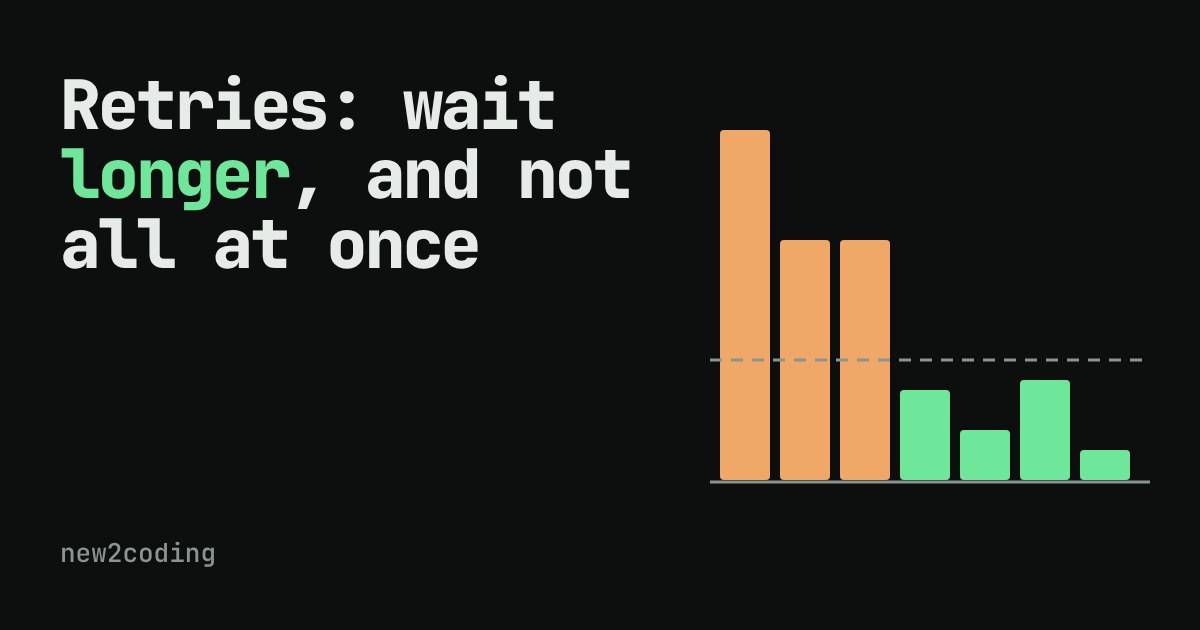
What happens when 30 programs all hear "no" at once?
Sometimes a request fails for a reason that has nothing to do with your code. The server was restarting, the network dropped a packet, or the service had too many visitors at that moment. A common fix is to retry: send the same request again. Retrying is a good idea. Retrying instantly, over and over can turn a short hiccup into a long outage.
The reason is that you are rarely the only one asking. If a server stumbles, every client that was talking to it gets the same error at the same moment, and every one of them retries at the same moment. The server, which was already struggling, now receives a wave bigger than the one that hurt it. Engineers call this a retry storm.
A tiny model of an overloaded server
To see it, we need a server with a limit. Ours is deliberately simple: it can answer 10 requests in one second. If more than 10 arrive in the same second, it chokes and rejects all of them for that second. Real servers are messier, but many do get slower or start failing when overloaded, so the shape of the story holds.
Thirty clients all send their first request at second 0. That is 30 requests against a limit of 10, so every one fails. Now each client has to decide how long to wait before trying again. Pick a strategy below and press the button to watch the load, second by second. A client gives up after 6 failed tries.
Why waiting a fixed second is not enough
With "wait 1s", all thirty clients come back together at second 1, then second 2, and so on. The wave never gets smaller, because nobody ever arrives in a different second from anyone else. The server sees 30 requests, rejects them all, and does this every second until the clients give up.
Exponential backoff: wait longer each time
Exponential backoff means the wait grows by a multiplier, usually doubling, after each failure: 1 second, then 2, then 4, then 8. Two good things happen. A server that needs a minute to recover gets quiet time instead of a constant hammering, and a client that keeps failing sends fewer and fewer requests.
Try "Double each time" in the demo. The requests become rarer, but look closely: they still arrive in tight bunches of 30. Every client failed together, so every client waits the same amount and returns together. Doubling spreads the waves out in time, but each wave is still too tall.
Jitter: add a little randomness
Jitter is random variation. Instead of waiting exactly 4 seconds, each client picks a random wait between 1 and 4 seconds. Now the thirty clients return at different moments, and the wave breaks into small ripples that fit under the server's limit. Switch to "Double + random" and the bars drop below the dashed line one after another until everyone is served.
Jitter is the part people forget, and it matters as much as the doubling. Backoff decides how long to wait; jitter decides that nobody waits the same amount.
The same idea in code
Here is a small Python version. The pretend server fails the first three calls and works on the fourth. The wait before try n is a random number between 0 and min(cap, base * 2^(n-1)), a recipe often called "full jitter". The cap stops waits from growing without limit.
import random

random.seed(7)

def flaky_call(attempt):
    # pretend server: fails the first 3 times, then works
    return attempt > 3

def call_with_backoff(max_tries=6, base=1.0, cap=30.0):
    waited = 0.0
    for attempt in range(1, max_tries + 1):
        if flaky_call(attempt):
            print(f"try {attempt}: ok (waited {waited:.1f}s in total)")
            return True
        delay = min(cap, base * 2 ** (attempt - 1))
        delay = random.uniform(0, delay)   # "full jitter"
        print(f"try {attempt}: failed, sleeping {delay:.2f}s")
        waited += delay
    return False

call_with_backoff()
print([min(30, 1 * 2 ** n) for n in range(7)])
Running it with the seed above prints:
try 1: failed, sleeping 0.32s
try 2: failed, sleeping 0.30s
try 3: failed, sleeping 2.60s
try 4: ok (waited 3.2s in total)
[1, 2, 4, 8, 16, 30, 30]
The last line shows the ceiling for each wait: it doubles until it hits the cap of 30 seconds, then stays there. The actual sleeps are random numbers below that ceiling, which is why they are not 1, 2, 4. (Without the seed line, you would see different numbers each run.)
What to remember in your own code
First, only retry failures that might go away. A timeout, a 503 Service Unavailable or a 429 Too Many Requests are worth retrying. A 404 Not Found or a wrong password will fail the same way tomorrow. Second, always set a limit on the number of tries and a cap on the wait, so a broken service cannot freeze your program forever. Third, if the server sends a Retry-After header, it is telling you how long to wait, so use that instead of guessing. Finally, retrying a request that changes something, like a payment, is only safe if repeating it cannot do the thing twice.
Many libraries and cloud SDKs already include backoff with jitter. Look for a "retry" setting before writing your own, and check that jitter is switched on.