infrastructure/rolling-deploys-how-a-website-updates-without-going-offline.md
Rolling deploys: how a website updates without going offline
How does a busy website switch to a new version without going offline? Not by replacing everything at once. A rolling deploy updates one server at a time, and a health check proves each new copy works before the next one is touched.
Try three deploys on the same four servers: all at once, rolling, and rolling with a broken version. See why the broken one hurts nobody, and run a short Python program that counts how many servers answer at each step.
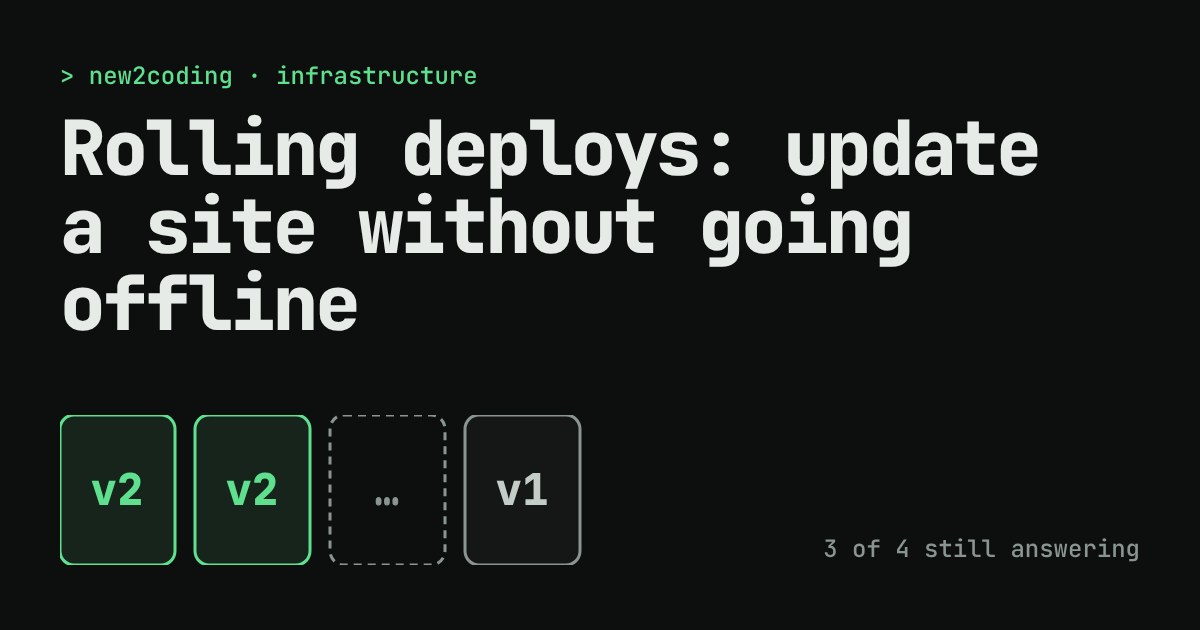
You push a new version of your website. Visitors are loading pages at that very moment. How does the site change from version 1 to version 2 without a "back soon" page in between?
The short answer: you never replace everything at once. You replace the site one piece at a time, and you check each piece before moving on. This is called a rolling deploy.
Start with the setup: many servers, one address
A busy website usually runs on several identical servers (computers that answer requests). In front of them sits a load balancer, which hands each visitor to one of the servers. Visitors only ever see one web address. They never know how many servers are behind it.
To deploy means to put a new version of your program onto those servers. Because there are several servers, the load balancer can keep sending visitors to the ones that are still working while you update the others.
The risky way: all at once
The simplest deploy is to stop every server, install the new version, and start them again. It is easy to explain and easy to write. It also means that for the seconds or minutes it takes to start, nobody is serving anything. Every visitor gets an error. And if version 2 has a bug that stops it starting, the site stays down until you fix it.
The calmer way: roll through the servers
A rolling deploy changes one server at a time:
- The load balancer stops sending visitors to server 1.
- Server 1 gets version 2 and starts up.
- A health check runs: a small request, such as asking for
/health, that the server must answer with a success code. This proves the new version actually started. - Only when the check passes does the load balancer send visitors to server 1 again.
- Repeat for server 2, 3 and 4.
At every moment at least three of the four servers are working, so visitors keep getting pages. For a short while the site runs both versions at once, which is something your code has to allow for. (A visitor might load a page from version 1 and then one from version 2.)
Try it: three deploys, same four servers
Look at the third option. When version 2 is broken, the health check on server 1 fails. The rollout stops right there, server 1 goes back to version 1, and three servers never changed. Visitors saw nothing wrong. With the all-at-once deploy the same bug would have taken the whole site down. This is the real reason people roll: not speed, but a small blast radius when something is wrong.
The same idea in code
This small Python program counts how many of the four servers are answering during each kind of deploy. Here "off" stands for a server that is stopped or still starting:
servers = ["v1", "v1", "v1", "v1"]

def serving(pool):
    return sum(1 for s in pool if s != "off")

print("All at once:")
pool = ["off"] * 4
print("  stop everything ->", serving(pool), "of 4 serving")
pool = ["v2"] * 4
print("  start v2        ->", serving(pool), "of 4 serving")

print("Rolling:")
pool = servers[:]
for i in range(4):
    pool[i] = "off"
    print(f"  update server {i+1}  ->", serving(pool), "of 4 serving", pool)
    pool[i] = "v2"
    print(f"  server {i+1} healthy ->", serving(pool), "of 4 serving", pool)
Running it prints:
All at once:
  stop everything -> 0 of 4 serving
  start v2        -> 4 of 4 serving
Rolling:
  update server 1  -> 3 of 4 serving ['off', 'v1', 'v1', 'v1']
  server 1 healthy -> 4 of 4 serving ['v2', 'v1', 'v1', 'v1']
  update server 2  -> 3 of 4 serving ['v2', 'off', 'v1', 'v1']
  server 2 healthy -> 4 of 4 serving ['v2', 'v2', 'v1', 'v1']
  update server 3  -> 3 of 4 serving ['v2', 'v2', 'off', 'v1']
  server 3 healthy -> 4 of 4 serving ['v2', 'v2', 'v2', 'v1']
  update server 4  -> 3 of 4 serving ['v2', 'v2', 'v2', 'off']
  server 4 healthy -> 4 of 4 serving ['v2', 'v2', 'v2', 'v2']
The rolling version never goes below 3. The all-at-once version hits 0. A real deploy tool does the same dance, with real servers and a real load balancer instead of a list.
What it costs
Rolling is not free. While it runs, you have fewer servers than usual, so you need spare capacity if the site is busy. Some tools avoid this by starting a new server first, and only then retiring an old one. Rollouts also take longer than a restart, because each step waits for a health check. And the two-versions-at-once period means you should avoid changes that only work if every server runs the same version, such as renaming a database column in one step.
Many deploy systems have this built in. Kubernetes, for example, uses a rolling update as its default way of updating a Deployment, and lets you set how many servers (called pods there) may be down at once. The names differ between tools, but the pattern is the same.
What to take away
If you run anything that people use, ask three questions before a deploy: how many copies are running, how will traffic skip the one being updated, and what proves the new version is healthy? If you can answer them, you can ship on a Tuesday afternoon without anyone noticing. If a deploy ever fails its health check, that is the system working as designed: it caught the problem while three servers were still on the old version.