computers/fetch-decode-execute-the-three-beat-loop-every-cpu-repeats-billions-of.md
Fetch, decode, execute: the three-beat loop every CPU repeats billions of times a second
A processor looks clever, but at its core it repeats one small loop billions of times a second: fetch an instruction, decode what it asks for, execute it.
Step through a toy CPU with five instructions, a program counter and two registers. Change the numbers and watch the three beats happen one at a time as it multiplies by adding.
A short Python version of the same loop shows the real output, and explains why a for loop is just a jump back up the list.
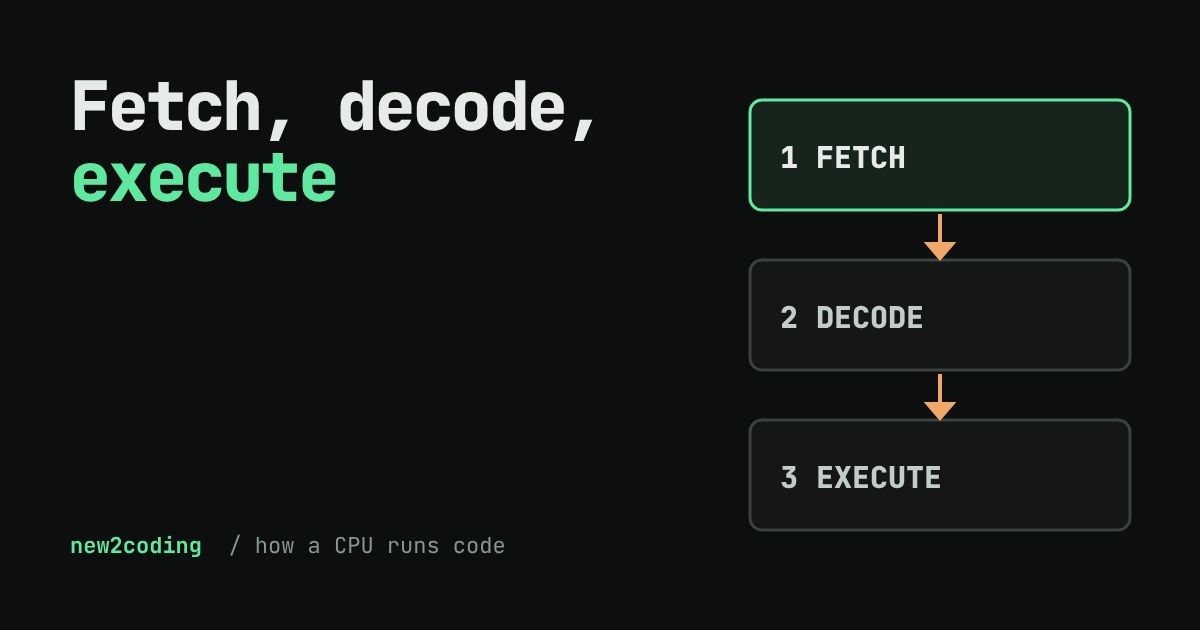
Your computer's processor (the CPU) looks like the cleverest part of the machine. Yet at its core it does one small thing, over and over, billions of times a second: it reads one instruction, works out what it means, and does it. Then it reads the next one. That's all. Every app, game and website you have ever used is built on this loop.
The three-beat loop
A program, once the computer is ready to run it, is a long list of tiny instructions stored in memory. Each one is something like "put the number 4 into a register" or "add 3 to what is in register A". A register is a very small, very fast storage slot inside the CPU itself. A real CPU has a few dozen of them, and they hold the numbers it is working on right now.
The CPU also keeps a special register called the program counter (PC). It holds one thing: the position, in the list, of the next instruction to run. The loop has three beats:
Fetch. Copy the instruction the PC points at out of memory and into the CPU. Decode. Work out what it asks for: which operation, which register, which number. Execute. Do it. Meanwhile the PC moves on by one, so the next fetch gets the next line. Engineers call this the fetch-decode-execute cycle.
Try it on a toy CPU
Real processors understand long strings of bits, and each family (the ARM chips in phones, the x86 chips in many laptops) has its own instruction set. The one below is a made-up toy with five instructions, so it fits on a phone screen. The program multiplies two numbers the way a child might: it has no "multiply" instruction, so it adds the same number again and again. Change the two numbers, then press Next beat and watch the three beats happen one at a time.
Notice what the CPU never does: it never looks ahead and never "understands" the goal. It doesn't know it is multiplying. Line 4, the JNZ ("jump if not zero"), is the only decision in the whole program. If register B is not zero, it overwrites the program counter with 2, so the next fetch goes back up the list. That one instruction is what turns a list into a loop.
The same loop in real code
Here is the toy CPU written in Python. The comments mark where each beat happens. We ran this exact program on a computer, and the output below is what it printed.
program = [
    ("LOAD", "A", 0),     # 0: A = 0
    ("LOAD", "B", 4),     # 1: B = 4
    ("ADD",  "A", 3),     # 2: A = A + 3
    ("SUB",  "B", 1),     # 3: B = B - 1
    ("JNZ",  "B", 2),     # 4: if B is not 0, go back to line 2
    ("STORE","A", 0),     # 5: memory[0] = A
    ("HALT", None, None), # 6: stop
]
regs = {"A": 0, "B": 0}
memory = [0, 0, 0, 0]
pc = 0
steps = 0
while True:
    instr = program[pc]        # FETCH the instruction at pc
    op, reg, n = instr         # DECODE it into its parts
    pc += 1                    # move on to the next line
    steps += 1
    if op == "LOAD":    regs[reg] = n          # EXECUTE
    elif op == "ADD":   regs[reg] += n
    elif op == "SUB":   regs[reg] -= n
    elif op == "JNZ":
        if regs[reg] != 0: pc = n
    elif op == "STORE": memory[n] = regs[reg]
    elif op == "HALT":  break
print("steps:", steps, "A:", regs["A"], "B:", regs["B"], "memory:", memory)
steps: 16 A: 12 B: 0 memory: [12, 0, 0, 0]Sixteen instructions to compute 3 × 4: two to set up, three per trip round the loop (four trips), one to store and one to halt. Try 3 and 4 in the toy above and you should see the same count.
Why this matters for your own code
First, it explains why a computer is fast and also literal. It only does what the instructions say, one after another; it is quick because each beat takes a fraction of a billionth of a second. The speed rating of a processor (its "clock speed", in gigahertz) is roughly how many ticks per second drive these beats. Real CPUs overlap many instructions at once, but the program you write behaves as if they ran in order.
Second, it shows what your high-level code turns into. A language like Python or JavaScript is translated, in one way or another, into many small steps like these. A simple-looking for loop is a jump back to an earlier line, exactly like JNZ. A slow program is usually one that makes the CPU run too many instructions, or makes it wait for data that is slow to arrive.
Third, it clears up a common confusion. The CPU doesn't "contain" your program. The program waits in memory, and the program counter walks through it. That is why you can run a different program on the same machine: nothing changes but the list the PC walks through.
Try this next
Set "add" to 0 and see what happens, then set "this many times" to 9 and count the instructions before you press Run. Can you predict the count? (Hint: setup, then three per trip, then store and halt.) If you'd like to go further, write your own version of the Python loop and add an instruction of your own, such as MUL, and notice how the same answer now takes fewer steps.