computers/the-call-stack-why-a-function-that-never-stops-crashes-your-program.md
The call stack: why a function that never stops crashes your program
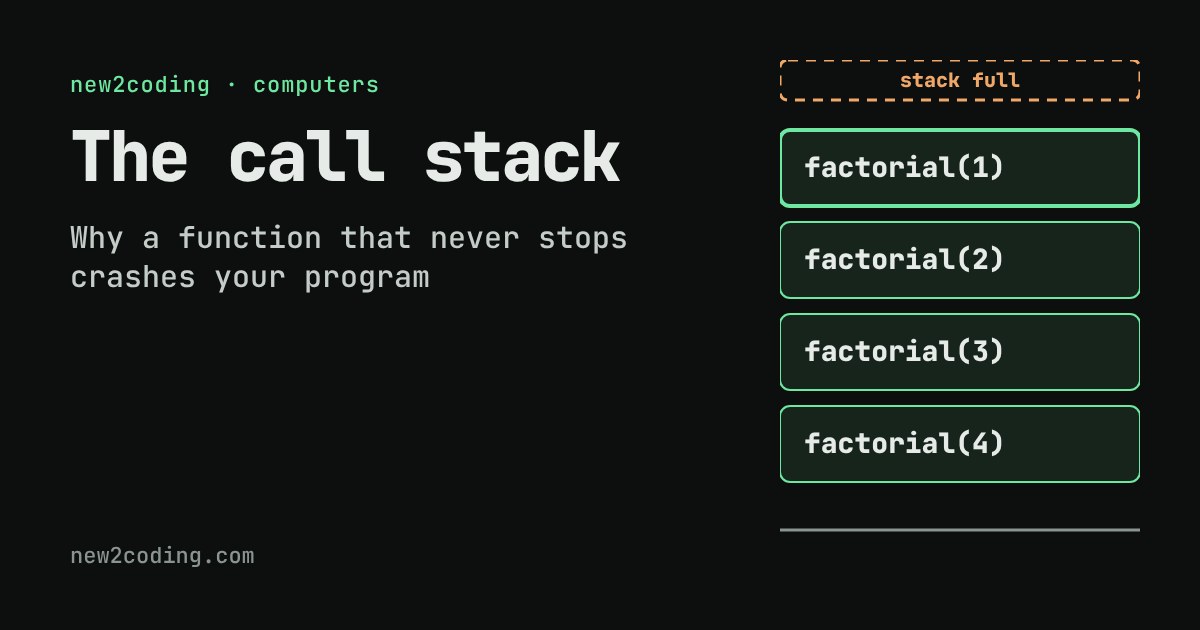
Every time a function is called, the computer puts a small block of memory called a frame on top of a call stack, and removes it when the function returns.
Step through a recursive `factorial` to watch frames pile up and unwind, remove the base case to trigger a stack overflow, and see why Python and Node stop endless recursion with a `RecursionError` or `RangeError`.
Where does a program remember its place?
Suppose a function calls another function, and that one calls a third. When the third one finishes, the computer has to go back to the second one, right in the middle of its work, and later back to the first. How does it remember where to return to, and what each function was in the middle of doing?
The answer is a piece of memory called the call stack. It is the reason you sometimes see an error with the words "stack overflow" or "maximum recursion depth exceeded", and it explains why those errors happen.
A stack of frames
Every time a function is called, the computer creates a frame: a small block of memory holding that call's inputs (called arguments), its own temporary values (called local variables), and a note about where to continue once the call is done. The frame is placed on top of the stack.
When the function finishes, its frame is removed, and the computer continues from the note in the frame that is now on top. Only the top frame is ever active. This is the same "newest item first" idea as a stack of plates: you add to the top and take from the top.
Watch it happen
A function that calls itself is called recursive. Here is one that multiplies n × (n−1) × … × 1. In Python it looks like this:
def factorial(n):
    if n == 1:
        return 1
    return n * factorial(n - 1)

print(factorial(4))   # 24
Use the stepper below. Choose a value for n and press Step to run one event at a time. Each call pushes a frame; each return pops one. Then untick the base-case box and see what changes.
Notice the order. The calls go down (factorial(4) calls factorial(3), and so on), and nothing can be calculated yet, because 4 * factorial(3) is still waiting for an answer. Only when the call with n == 1 returns 1 do the frames unwind, each one finishing its multiplication and handing the result to the frame below.
The base case is what stops it
That if n == 1 check is called the base case: the situation where the function answers directly instead of calling itself again. Without it, every call makes another call, so frames keep piling up. With the box unticked above, the pretend stack fills at 8 frames and the run stops with an overflow.
Real computers do the same, only with a bigger limit. The stack lives in a fixed-size region of memory, and a program that keeps adding frames eventually runs out. Here is a function with no way to stop, run in Python 3.13 and in Node 22:
# Python
def forever(n):
    return forever(n + 1)

forever(0)
# RecursionError: maximum recursion depth exceeded
// JavaScript (Node)
function forever(n) { return forever(n + 1); }
forever(0);
// RangeError: Maximum call stack size exceededThe two languages guard the stack differently. Python counts frames and stops at a limit you can read with sys.getrecursionlimit(); its default is 1000. Node stops when the stack's memory is used up; in a quick test here it managed about 12,500 nested calls, but that number depends on the version, the machine and how big each frame is, so never rely on it.
A real limit shows up before you expect it
You do not need an endless loop to hit the limit. A perfectly correct recursive function fails if the input is large enough. This adds up the numbers from 1 to n, once with recursion and once with a loop:
def total_loop(n):
    result = 0
    while n > 0:
        result = result + n
        n = n - 1
    return result

def total_rec(n):
    if n == 0:
        return 0
    return n + total_rec(n - 1)

print(total_loop(5000))   # 12502500
print(total_rec(10))      # 55
print(total_rec(5000))    # RecursionError
Both versions are correct. The loop reuses one frame and keeps its running total in a variable. The recursive version needs 5,000 frames at once, which is more than Python's default allows.
So what, for your own code?
Recursion is a fine tool. Walking through folders inside folders, or through a tree, is naturally recursive, and the depth there is usually small. A few habits keep you safe:
First, always write the base case first, and check that every path moves toward it (here, n - 1 gets closer to 1; n + 1 never would). Second, if the depth could be thousands or more, such as one step per item in a long list, prefer a loop. Third, when you see a stack overflow error, read the error's trace: it lists the frames, and you will usually see the same few lines repeating, which points straight at the call that never stops.
Some languages can rewrite certain recursive calls into loops automatically, but Python does not, so do not count on it. Knowing that every call costs a frame is enough to reason about most cases.