security/sql-injection-how-a-quote-mark-in-a-login-form-can-rewrite-the-databas.md
SQL injection: how a quote mark in a login form can rewrite the database's question
A login form builds a database question out of the words you type. If it glues your text straight into the question, your text can rewrite the question.
This article shows how SQL injection works with a small Python and SQLite login check: a quote character that closes a string early, an always-true condition, and a comment that deletes the password test. Then it shows the fix, placeholders, and lets you try both versions live in the page.
You type your name and password into a login form and press the button. Somewhere on the server, a program asks a database: is there a row in the users table with this name and this password? The question is written in SQL (Structured Query Language), the language most databases understand. The program builds that question out of text, and how it builds the text decides whether a stranger can rewrite the question.
Building a question out of pieces
The most obvious way to build the question is to glue the user's words into a string. Here is a small login check in Python, using the built-in sqlite3 module and a throwaway database that lives in memory. (Storing plain passwords is a shortcut for this demo only; real sites store a salted hash.)
import sqlite3
db = sqlite3.connect(":memory:")
db.execute("CREATE TABLE users (name TEXT, password TEXT)")
db.executemany("INSERT INTO users VALUES (?, ?)",
               [("ana", "pw-ana"), ("bob", "pw-bob"), ("admin", "s3cret")])

def login_bad(name, pw):
    sql = f"SELECT name FROM users WHERE name = '{name}' AND password = '{pw}'"
    return db.execute(sql).fetchall()
The single quotes around {name} tell SQL "everything in here is a piece of text, not an instruction". For normal input it works:
login_bad("ana", "pw-ana")   # [('ana',)]
login_bad("ana", "wrong")    # []
When the data starts giving orders
The database never sees "a name" and "a password". It receives one long string and has to decide where the text ends and the instructions begin. The only signal is the quote character. So what if the password a user types contains a quote?
login_bad("ana", "x' OR '1'='1")The finished string becomes:
SELECT name FROM users WHERE name = 'ana' AND password = 'x' OR '1'='1'The quote after the x closed the text early, and the rest of the input was read as SQL. Now there is an OR '1'='1', which is always true. SQL evaluates AND before OR, so the condition means "(right name and password) or (1 equals 1)". When we ran it, it returned all three users: [('ana',), ('bob',), ('admin',)], with no correct password in sight.
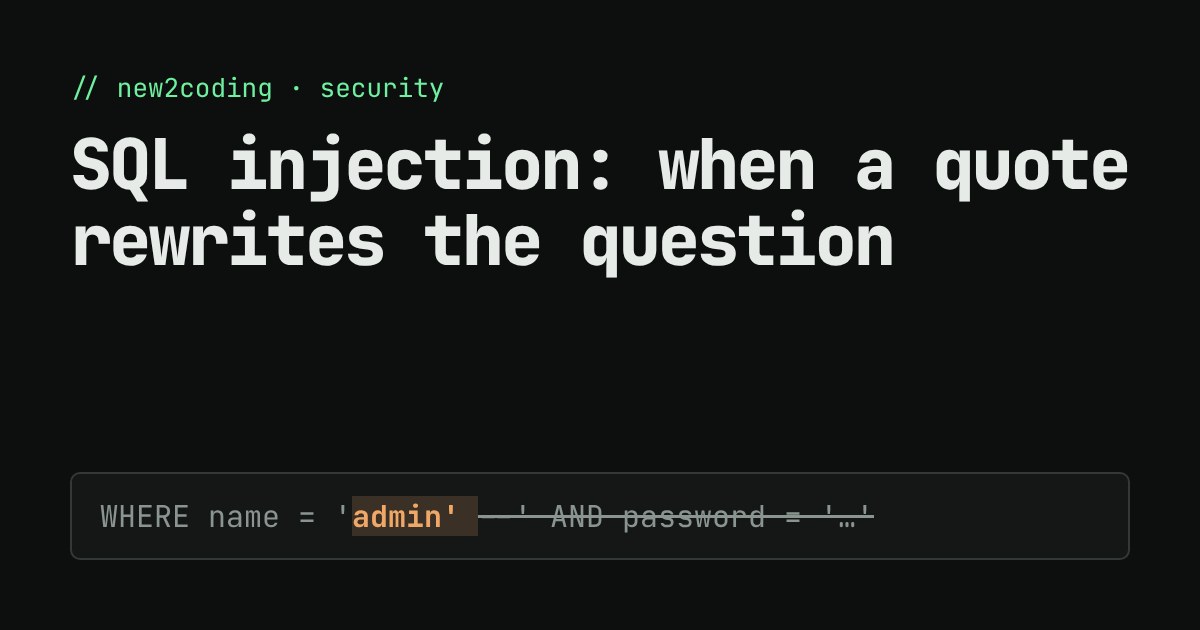
The second classic trick uses --, which in SQL starts a comment. Typing admin' -- as the name turns the query into ... WHERE name = 'admin' --' AND password = 'anything'. Everything after -- is ignored, so the password check disappears and the result was [('admin',)]. This is called SQL injection: input that was meant to be data gets injected into the instructions.
It is not only an attacker's problem. A visitor named O'Brien breaks the same code by accident: Python raised OperationalError near "Brien": syntax error. If an honest name crashes your query, a dishonest one can steer it.
Try it yourself
The demo below holds the same three users. It builds the query in either of the two ways, then shows the SQL and which rows come back. It uses a tiny SQL checker written for this page that understands just this one query shape, so it is a model of a real database, not a real one. Pick a preset, or type your own input.
Switch to Use placeholders and press each preset again. The "always true" and "comment it out" inputs now just fail to match anyone, and O'Brien no longer crashes anything; he is simply not in the table.
The fix: keep the question and the answers apart
The safe version never glues anything. It sends the question with holes in it, and the values separately:
def login_good(name, pw):
    return db.execute(
        "SELECT name FROM users WHERE name = ? AND password = ?",
        (name, pw)).fetchall()

login_good("ana", "x' OR '1'='1")   # []
login_good("admin' --", "anything") # []
login_good("ana", "pw-ana")         # [('ana',)]
This is called a parameterized query (or prepared statement). The ? marks are placeholders. The database reads the instructions first, so it already knows the shape of the question, and then fills the holes with values that can only ever be values. A quote inside a value is just a character. The placeholder symbol depends on the tool: ? in SQLite, %s in the Python driver for PostgreSQL, $1 in PostgreSQL's own syntax. The idea is the same everywhere, in every language.
What to do in your own code
First, never build SQL by joining strings with user input, whether with +, an f-string, or a template literal. Use your database library's placeholders every time, even for input you think is safe. Second, if you use an ORM (a library that writes SQL for you), its normal methods usually use placeholders, but most also offer a "raw SQL" escape hatch, and the same rule applies there. Third, placeholders only work for values. You cannot pass a table or column name as a parameter, so if a sort column comes from the user, check it against a fixed list of allowed names in your own code.
Two more layers help, but neither replaces placeholders. Give the database account your app uses only the permissions it needs, so a mistake can do less damage. And check input sensibly (an age should be a number), which catches errors early. Injection is a long-standing entry on OWASP's list of the most common web security risks, and the cause is always the same thing you saw above: data and instructions travelling in one string.