infrastructure/rate-limiting-how-a-token-bucket-stops-one-caller-from-using-up-the-wh.md
Rate limiting: how a token bucket stops one caller from using up the whole server
How do websites stop one noisy caller from using up all the server's time? Many use a token bucket: a bucket that holds a few tokens and slowly refills, where every request must take one.
Play with a live bucket, send a burst of requests and watch some get refused with a 429, then read the ten-line Python version, run for real. You'll also see what a polite client does when it hears "slow down".
You build a small web service. It works. Then one visitor's script asks it for data 500 times a second, and everyone else's pages crawl. A server has a fixed amount of work it can do each second, so something has to stop one caller from using all of it. That something is called rate limiting: a rule that says "each caller may make this many requests in this much time."
The rule has to be cheap to check and fair to normal users. A very common way to do it is the token bucket, and it is simple enough to build in about ten lines.
The bucket and the tokens
Picture a bucket that holds tokens. It has two numbers attached to it:
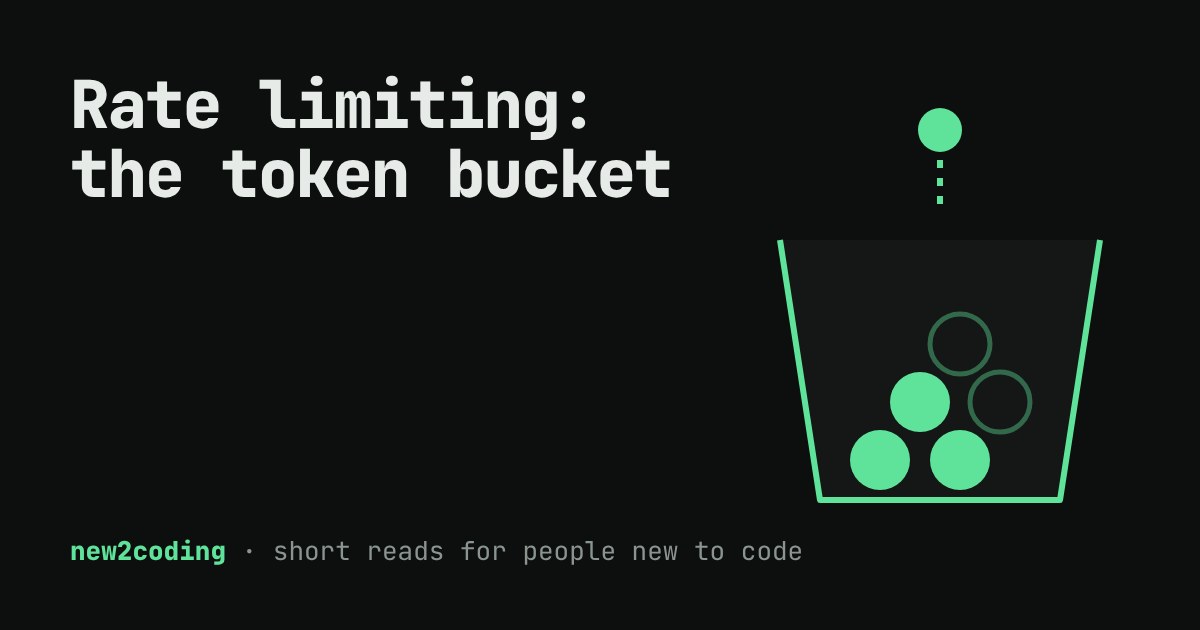
Capacity is the most tokens the bucket can hold. Refill rate is how many tokens drip in every second. Every request must take one token out. If the bucket has a token, the request goes through. If it is empty, the request is refused.
That gives two behaviours with one rule. A caller who has been quiet has a full bucket, so a short burst of requests is fine, up to the capacity. A caller who keeps hammering the server empties the bucket and then can only go as fast as the refill rate. Quiet users never notice the limit.
Try it
This bucket holds 5 tokens and gains 1 token every second. Press the button and watch the tokens go. Then try "Send 8 at once" and wait a few seconds.
Send 8 at once from a full bucket and the first 5 succeed while the last 3 are refused. Wait three seconds and three tokens are back, so three more requests would pass. The bucket never holds more than 5, no matter how long you wait.
The same thing in Python
Notice that nothing in the live demo "drips" tokens on a timer in the real code. A server with a million callers cannot run a million timers. Instead, it does a small calculation when a request arrives: how long since I last looked, and how many tokens does that earn?
class TokenBucket:
    def __init__(self, capacity, refill_per_second):
        self.capacity = capacity
        self.refill = refill_per_second
        self.tokens = capacity
        self.last = 0.0          # time of the last check, in seconds

    def allow(self, now):
        elapsed = now - self.last
        self.tokens = min(self.capacity, self.tokens + elapsed * self.refill)
        self.last = now
        if self.tokens >= 1:
            self.tokens -= 1
            return True
        return False

bucket = TokenBucket(capacity=3, refill_per_second=1)
for t in [0.0, 0.1, 0.2, 0.3, 0.4, 1.4, 2.4, 2.5]:
    print(f"t={t:<4} allowed={bucket.allow(t)}  tokens left={bucket.tokens:.1f}")
Running it prints:
t=0.0  allowed=True  tokens left=2.0
t=0.1  allowed=True  tokens left=1.1
t=0.2  allowed=True  tokens left=0.2
t=0.3  allowed=False  tokens left=0.3
t=0.4  allowed=False  tokens left=0.4
t=1.4  allowed=True  tokens left=0.4
t=2.4  allowed=True  tokens left=0.4
t=2.5  allowed=False  tokens left=0.5
Read it line by line. The first three requests arrive within a fifth of a second and each takes a token, leaving 0.2. The next two find less than one token and are refused. A full second later at t=1.4, about 1 token has dripped in, enough for exactly one more request. The fractions matter: tokens are tracked as decimals so a caller is not punished for arriving 0.1 seconds early.
The min(self.capacity, ...) line is what stops the bucket from storing up unlimited credit during a long quiet spell.
What the caller sees
A refused request should not just be dropped silently. The standard status for it is 429 Too Many Requests, defined in RFC 6585. Servers often add a Retry-After header (defined in HTTP's specification, RFC 9110) that says how many seconds to wait. That is the number the demo printed in brackets: the time until one full token exists.
A well-behaved client reads that header and waits instead of retrying immediately. If the header is missing, a good fallback is to wait longer after each failure, which is what the article on exponential backoff covers. The limiter and the backoff are two halves of one conversation: the server says "slow down", and the client does.
Who gets a bucket?
A server usually keeps one bucket per caller, looked up by something that identifies them: an API key, a user id, or an IP address. The choice matters. An IP address is easy to check but unfair, because many people at an office or school can share one. An API key is fairer but needs sign-up. Real services often combine them.
Choosing the two numbers
The refill rate sets the long-term speed, so choose it from what the server can really sustain. The capacity sets how bursty a caller may be, so choose it from how real users behave: opening a page may trigger a handful of requests at once, and a limit of 1 would break that. A small capacity with a fast refill feels strict but smooth. A big capacity with a slow refill allows rare, large bursts.
Remember what the limit is for. It protects the server and the other users, it is not a punishment. When you write code that calls someone else's API, expect to meet a 429 sometime, and handle it on purpose.