web/event-bubbling-why-clicking-a-button-also-clicks-its-parent.md
Event bubbling: why clicking a button also clicks its parent
You click a button inside a div, and both click handlers run. Why does the parent hear about something that happened to its child?
Every browser event takes a trip through the page: down from the top to the element you pressed (capture), then back up again (bubbling). Try it in a playground built from real elements, watch the exact order handlers run, see what `stopPropagation()` does, and learn the one-listener trick called event delegation.
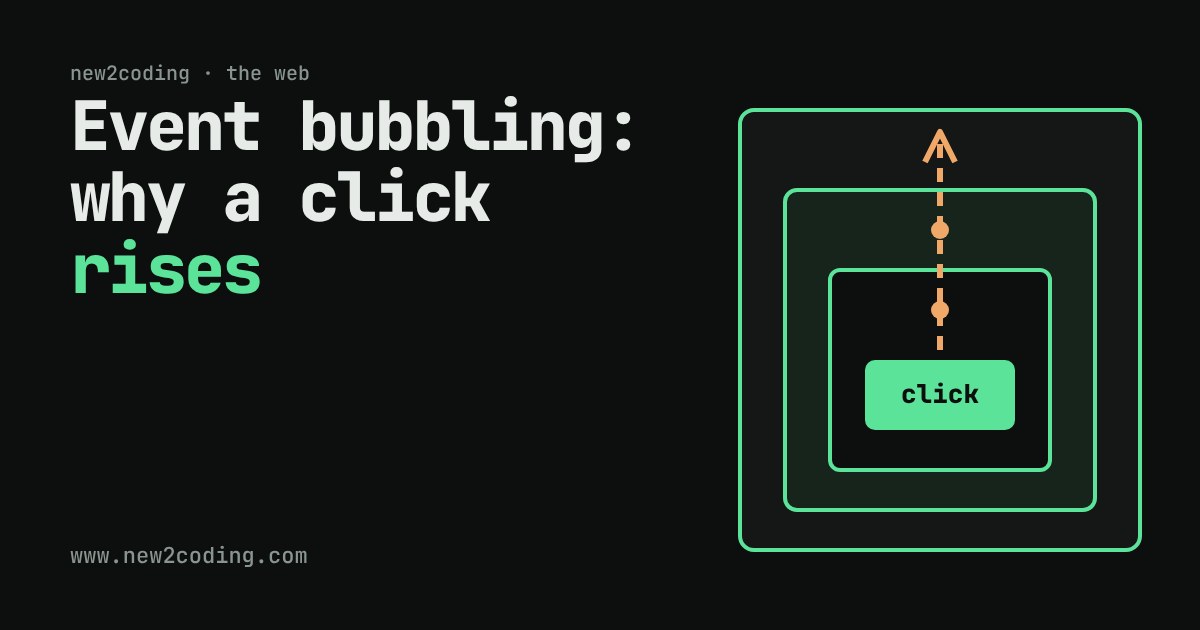
You build a small page. A <button> sits inside a <div>. You attach a click handler to the button, and another to the div. You click the button once, and both handlers run. Why does the div hear about a click that happened on its child?
The answer is a rule the browser follows for every event. Once you know it, a whole family of confusing bugs (a menu that closes the moment you open it, a handler that fires twice) stop being mysterious.
An event takes a trip
An event is a message the browser creates when something happens: a click, a key press, a finger touching the screen. A handler (also called a listener) is a function you ask the browser to call when a certain event reaches a certain element.
The browser does not deliver a click only to the element you pressed. The page is a tree: window at the top, then document, then <html>, <body>, and so on down to your button. Each element is a branch of the one above it. A click travels through that tree in three stages:
| Stage | Direction | What happens |
|---|---|---|
| 1. Capture | down, from window toward the target | each ancestor is visited on the way in |
| 2. Target | at the element you clicked | its own handlers run |
| 3. Bubble | up, from the target back to window | each ancestor is visited again on the way out |
The word bubbling comes from the picture of a bubble rising through water. By default, handlers only listen during the bubble stage, which is why the div hears the click after the button has handled it.
Try it: click the inner button
The three boxes below are real elements with real handlers. Press the button (or one of the boxes) and read the log from top to bottom: that is the exact order the browser called the handlers. Then change the settings and press again.
With the default settings you see the button's handler first, then inner, middle and outer: the event rises one level at a time. Turn on the capture checkbox and outer now appears twice: once on the way down, before the button, and once on the way up. Those are two separate listeners, one per stage.
The same thing in code
Here is the smallest version of the story. A listener is added with addEventListener(type, handler).
<div id="outer">
  <button id="btn">Click</button>
</div>

<script>
const outer = document.getElementById('outer');
const btn = document.getElementById('btn');

outer.addEventListener('click', (e) => {
  console.log('outer heard it. target:', e.target.id, '| currentTarget:', e.currentTarget.id);
});
btn.addEventListener('click', () => {
  console.log('button handled it');
});
</script>
Clicking the button prints (output from a real run in Chromium):
button handled it
outer heard it. target: btn | currentTarget: outer
Two properties of the event object are worth memorising. event.target is where the event started: the deepest element that was clicked. event.currentTarget is the element whose handler is running right now. In the div's handler they differ, and that difference is how a parent can tell which child was clicked.
Listening on the way down
To listen during the capture stage, pass true or an options object as the third argument:
outer.addEventListener('click', handler, { capture: true });That handler now runs before the button's, on the way down. Most day-to-day code never needs capture; it exists for the rare moments you must see an event before anything below you does.
Stopping the trip
Calling event.stopPropagation() inside a handler tells the browser: do not carry this event to any further elements. Tick the second checkbox in the playground and press the button: outer never hears about the click, because middle stopped it.
That is useful, but use it sparingly. Anything that relied on hearing the event higher up (an analytics script, a "close this menu when the user clicks elsewhere" handler) silently stops working. If a bug says "my click handler never runs", a stopPropagation() in a descendant is a classic cause.
Why bubbling is useful: one listener for many items
Imagine a to-do list with 500 items, each with a delete button. Adding 500 handlers works, but there is a calmer way: put one handler on the list and ask event.target which item was pressed. This pattern is called event delegation.
const list = document.getElementById('todo');
list.addEventListener('click', (e) => {
  const button = e.target.closest('button.delete');
  if (!button || !list.contains(button)) return;
  button.parentElement.remove();
});
Items added later work automatically, because the listener lives on the list, not on each item. closest() walks upward from the clicked element until it finds a match, which also handles clicks on an icon inside the button.
Not every event bubbles
Most events do, including click, input and keydown. A few do not. For example, focus and blur do not bubble, and neither do mouseenter and mouseleave. For focus there are bubbling twins, focusin and focusout, which you can use for delegation. When unsure, check the event's page on MDN: it states whether it bubbles.
What to take away
A click travels down to the target, then rises back up, and handlers by default hear it on the way up. That is why parents notice what their children do, why one listener on a list can serve every item, and why a stray stopPropagation() can make a handler go quiet. Next time an event behaves oddly, ask the question the playground taught: which elements is it passing through, and in what order?