mobile/screen-readers-how-a-phone-decides-what-to-say-about-a-button-it-can-t.md
Screen readers: how a phone decides what to say about a button it can't see
A phone screen reader like VoiceOver or TalkBack can't see your pictures. It reads a hidden list of items, each with a role, a label and a state, and speaks them one by one.
Swipe through a pretend shopping screen, hear what an unlabeled heart icon really sounds like, then fix the labels and hear the difference. Includes a short runnable JavaScript version of the logic, plus the attribute names on Android, iOS and the web.
The question
You tap a small heart on a shopping app and it works. Now imagine you can't see the screen. Phones for blind and low-vision people include a screen reader: a built-in helper that speaks what is under your finger. On iPhone it is called VoiceOver. On Android it is called TalkBack. How does it know what to say about a picture of a heart?
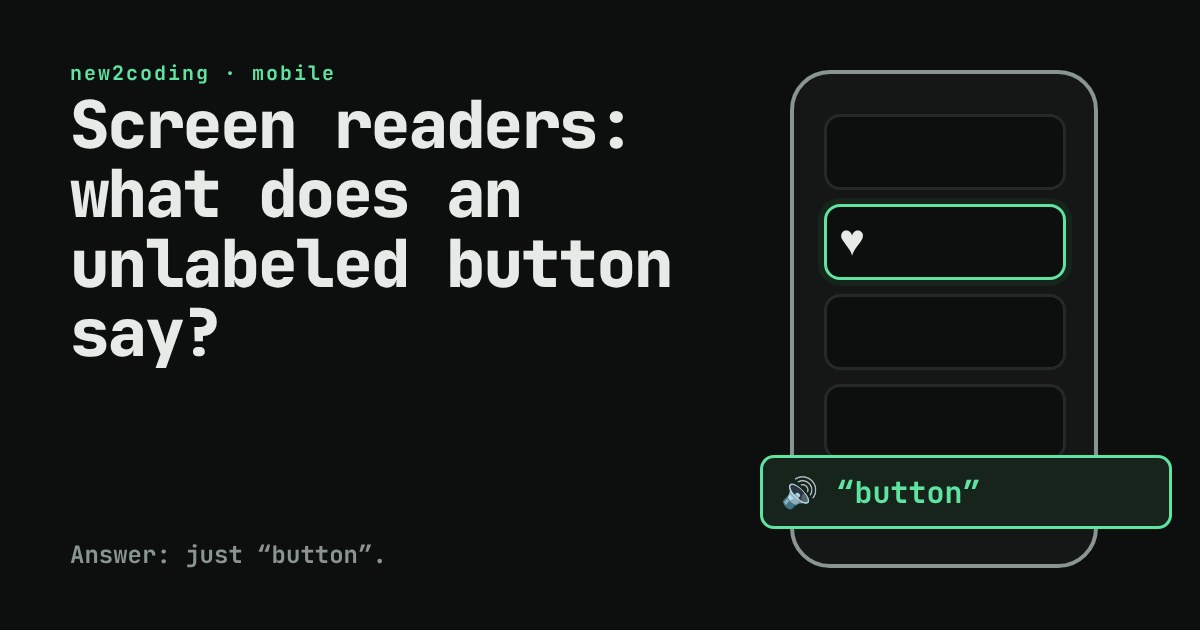
It doesn't look at the picture. It reads text that the app's code hands to it. If the code doesn't provide any, you get silence, or just the word "button".
What the phone keeps besides pixels
Every screen you see is also described as a tree of items. Each item has a role (what kind of thing it is: button, image, switch, text field), often a label (its name), and sometimes a state (on, off, selected). This hidden description is called the accessibility tree. Screen readers walk through it one item at a time. When you swipe right with one finger, the reader moves to the next item and speaks it.
The spoken sentence is built from those pieces, roughly label, role, state. A switch labelled "Notifications" that is turned on is announced as "Notifications, switch, on". The exact wording differs between VoiceOver and TalkBack, but the idea is the same.
Try it: be the screen reader
Below is a tiny shopping screen. Press Next item to swipe through it like a screen reader would. The mint box shows what would be spoken. Then press Fix the labels and go through it again.
With the labels missing, the heart is just "button". You hear that something can be pressed but not what it does. The "Buy now" button is fine, because its visible text doubles as its label. After the fix, the heart says "Add to favourites, button", and the decorative banner image stays out of the way.
Where the label comes from
Items with visible text, such as a "Buy now" button, usually get their label from that text for free. Trouble starts with icon-only controls: a heart, a trash can, a magnifying glass. For those, the developer must supply the label by hand. The names differ by platform:
| Platform | Give an item a label | Hide a decorative item |
|---|---|---|
| Android (views) | android:contentDescription | android:importantForAccessibility="no" |
| iOS (UIKit) | accessibilityLabel | isAccessibilityElement = false |
| Web | aria-label or alt on images | alt="" on the image |
The web has the same idea: a screen reader on a website reads a similar tree built from your HTML. That is why an <img> should always have an alt attribute, and why a real <button> is better than a clickable <div>: the browser already knows a button is a button.
The same idea in 15 lines
Here is a small JavaScript version of what the reader does. It is a toy, not the real VoiceOver or TalkBack code, but the logic matches the demo above:
const screen = [
  { role: "image",  label: "",            decorative: true },
  { role: "button", label: "" },                      // a heart icon, no label
  { role: "button", label: "Buy now" },
  { role: "switch", label: "Notifications", on: true },
];

function speak(el) {
  if (el.decorative) return null;               // skipped entirely
  const parts = [];
  if (el.label) parts.push(el.label);
  parts.push(el.role);
  if (el.role === "switch") parts.push(el.on ? "on" : "off");
  return parts.join(", ");
}

for (const el of screen) console.log(speak(el) ?? "(skipped)");
screen[1].label = "Add to favourites";
console.log("--- after fixing the label ---");
console.log(speak(screen[1]));
Running it in Node prints:
(skipped)
button
Buy now, button
Notifications, switch, on
--- after fixing the label ---
Add to favourites, button
Notice what the fix cost: one string. Nothing about how the screen looks changed.
Good labels, in short
Describe the action or meaning, not the picture. "Add to favourites" is better than "Heart icon". Don't put the role in the label: the reader already says "button", so "Search button" would be heard as "Search button, button". Keep it short, because people listen to these one after another, all day.
So what for your own code
You can try this today. Turn on VoiceOver (Settings, Accessibility) or TalkBack, close your eyes, and use your own app for two minutes. Every unlabeled icon, every "button" with no name, every confusing order of items will announce itself. Better still, accessibility labels also help people who never use a screen reader: they are what voice control and some automated tests use to find a control on screen.
The habit to build is small: whenever you add an icon-only control, add its label in the same moment, the way you would add a variable name.