mobile/deep-links-why-one-link-opens-an-app-and-another-opens-a-web-page.md
Deep links: why one link opens an app and another opens a web page
Tap the same link on two phones and one opens an app while the other opens a web page. Who decides, and how?
This article explains deep links: the old custom scheme way, and the safer verified https way (Universal Links on iOS, App Links on Android). Step through the phone's decision yourself, switching the link type, whether the app is installed, and the path, then see a small code sample that shows the matching rule.
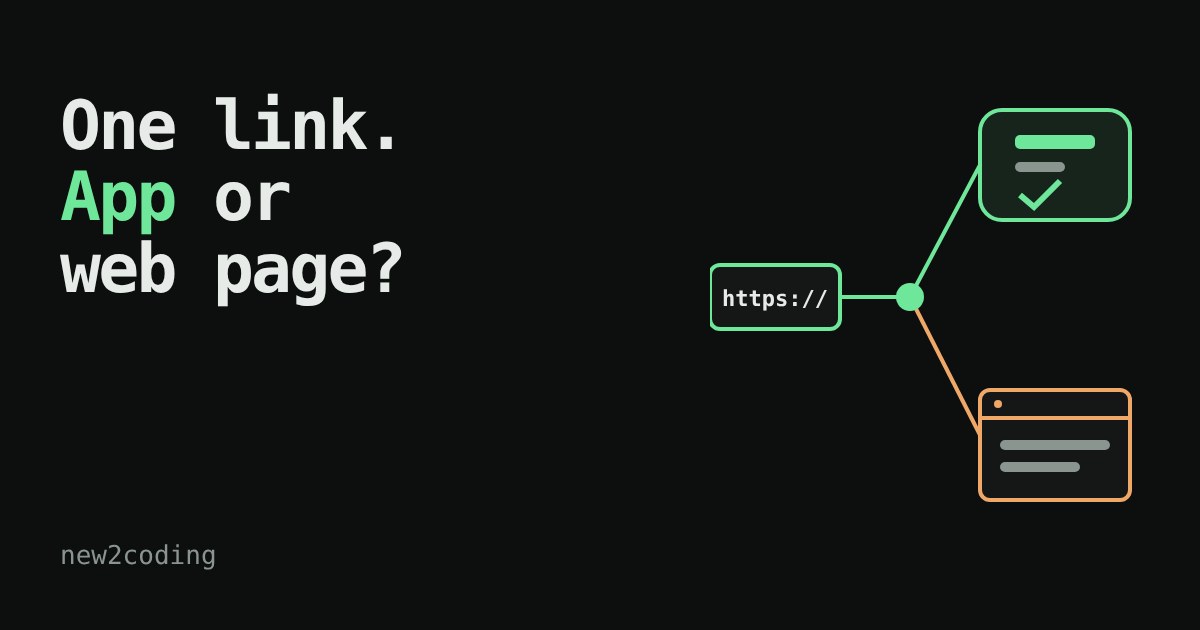
You tap a link in a text message. Why does one open an app and another open a web page?
A friend texts you https://shop.example/orders/42. On one phone it opens the shop's app, already showing order 42. On another phone, with no app installed, the very same link opens a web page. Nobody wrote two links. The phone made a decision. This article shows that decision step by step, so you can build links that behave well in your own app.
What is a deep link?
A deep link is a link that goes to a specific screen inside an app, not just to the app's front door. "Open the shop" is a shallow link. "Open order 42" is a deep link. There are two main ways to build one.
Way 1: a custom scheme
The scheme is the part before the colon in a link: https in https://…. An app can register its own, like shopapp://orders/42. When you tap it, the phone looks for an app that registered shopapp and hands it the link.
It is easy to set up, but it has two weaknesses. First, if no installed app has registered the scheme, the tap simply fails, and the person sees an error or nothing at all. Second, nothing checks who owns a scheme: another app can register the same name, and the phone has no proof that yours is the "real" one.
Way 2: an ordinary https link, verified
Both big phone systems offer a better way: the app says "I handle links for shop.example", and the website confirms it. Apple calls this Universal Links and Google calls it Android App Links. The link is a normal https address, so it works everywhere:
- app installed and verified: the app opens at the right screen;
- app not installed: the link opens the web page in the browser, which is a perfectly good fallback.
The confirmation is a small file the website hosts at a fixed address under /.well-known/. On iOS it is called apple-app-site-association and on Android it is assetlinks.json. The website saying "yes, this app is mine" is what stops a stranger's app from taking over your links. Here is a shortened Android example:
[{
  "relation": ["delegate_permission/common.handle_all_urls"],
  "target": {
    "namespace": "android_app",
    "package_name": "com.example.shop",
    "sha256_cert_fingerprints": ["14:6D:E9:…"]
  }
}]
The fingerprint identifies the key the app was signed with, so a copy of the app signed by someone else does not match. On the app side, Android needs an intent filter marked android:autoVerify="true" for the https scheme and the host, and iOS needs the app to declare the domain in its Associated Domains setting (applinks:shop.example). Both systems check the website's file when the app is installed, not at the moment you tap.
Try it: tap the link
The same rule in code
The app (or the website's file) lists which paths belong to the app. Here is a tiny version of that matching in JavaScript. It is a simplified model, because real rule files have more options, but the idea is the same:
function matches(pattern, path) {
  if (pattern.endsWith("/*")) return path.startsWith(pattern.slice(0, -1));
  return path === pattern;
}
const allowed = "/orders/*";
for (const p of ["/orders/42", "/orders/", "/help", "/orders"]) {
  console.log(p.padEnd(12), matches(allowed, p) ? "opens the app" : "stays in the browser");
}
Running it in Node prints:
/orders/42   opens the app
/orders/     opens the app
/help        stays in the browser
/orders      stays in the browser
So what, for your own app?
If you build a mobile app, prefer verified https links for anything people will share, such as order pages, invitations, and password-reset links. They work for people without the app, and they cannot be claimed by another app. Keep custom schemes for private jumps between apps you control. Always make sure the web page for each link exists, because that page is what everyone without your app will see. And test both worlds, with the app installed and without it, since a link that only works for one of them is half a link.
Remember too that a link only tells the app where to go. Treat whatever is in it as input from a stranger: check that order 42 really belongs to the person who is signed in before showing it.