mobile/tap-scroll-or-long-press-how-a-phone-decides-what-your-finger-meant.md
Tap, scroll or long press: how a phone decides what your finger meant
A touchscreen only reports a finger going down, moving, and coming up. So how does your phone tell a tap from a scroll from a long press?
Two small limits do most of the work: the touch slop (how far a finger may wander) and the long-press timeout (how long it must stay put). Play with both on a live touch pad, then read the short function that makes the decision and see why tiny buttons and shaky fingers don't mix.
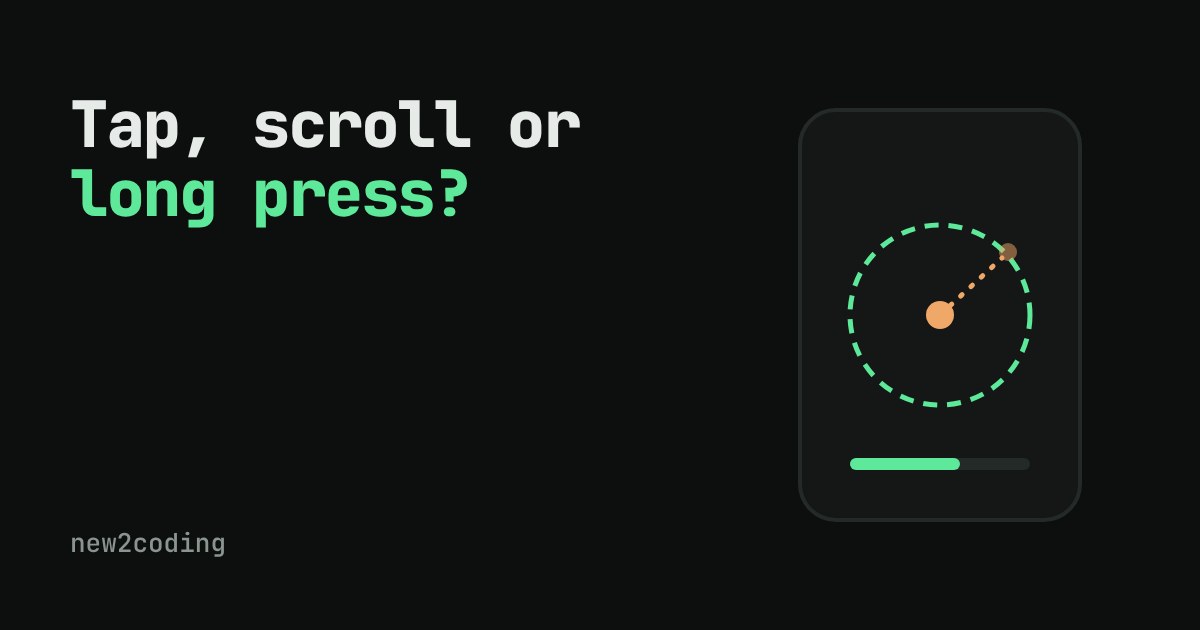
You put a finger on a phone screen and lift it again. Did you tap a button, scroll the page, or press and hold to open a menu? The screen only sees a finger going down, maybe sliding, and coming up. So how does the phone decide, and why does a button sometimes ignore you when your finger moved a tiny bit?
The phone only gets a stream of touch events
A touchscreen does not know about "taps". It reports touch events: a down event when a finger lands (with its position), a move event each time the finger shifts, and an up event when it lifts. Each event has a position and a timestamp. Everything else, taps, swipes, long presses, is the operating system or your app guessing what that sequence means.
The guess has to be made while the finger is still down. When the finger lands, the phone does not yet know whether this will become a tap or the start of a scroll. It has to wait and watch.
Two thresholds do most of the work
A finger is never perfectly still. Even when you mean to tap, the contact point wobbles a little. If the phone treated every wobble as a scroll, you could hardly press anything. So the rules use two limits:
Touch slop is the distance a finger may wander before the phone decides you are dragging. Inside that small circle, movement is ignored. Android's source defines it as the "distance a touch can wander before we think the user is scrolling", with a fallback value of 8 dp, and real devices can override it. (A dp is a density-independent pixel: a size that looks roughly the same on screens with different sharpness.)
The long-press timeout is how long the finger must stay inside the slop circle before a press becomes a long press. Android's default is 500 milliseconds, half a second, and users can change it in accessibility settings. Android also uses a very short 100 ms tap timeout in its source to separate "the touch is settling" from "the touch has started to scroll", and 300 ms as the longest gap between two taps for a double tap. iOS has the same idea with its own values: its long-press recognizer has a minimum press duration and an allowable movement, and both can be configured.
Put together, the rules read like this:
- If the finger moves farther than the slop before anything else happens, it is a scroll (or drag).
- If the finger is still inside the slop when the timeout runs out, it is a long press. This fires while the finger is still down.
- If the finger lifts before either happens, it is a tap.
Try it: be the touchscreen
The same rule as code
This is the function the demo above runs, written in JavaScript. It takes the recorded events and the two thresholds and returns the verdict.
function classify(events, slop, holdMs) {
  const down = events[0];
  for (const e of events.slice(1)) {
    if (e.t - down.t >= holdMs) return { kind: "long press", at: down.t + holdMs };
    if (e.type === "move" && Math.hypot(e.x - down.x, e.y - down.y) > slop)
      return { kind: "scroll", at: e.t };
    if (e.type === "up") return { kind: "tap", at: e.t };
  }
  return { kind: "waiting" };
}
Running it on four made-up touches with a slop of 8 and a timeout of 500 ms prints:
quick press, finger wobbles 3 units -> tap at 90 ms
slides 20 units in 60 ms -> scroll at 60 ms
holds still for 700 ms -> long press at 500 ms
holds 400 ms then drags -> scroll at 400 ms
Notice the third line: the long press is reported at 500 ms, not 700. The phone does not wait for you to lift your finger. And in the last line, holding for 400 ms and then dragging is a scroll, because the finger left the circle before the half second ended.
What this means for your own apps and pages
Most of the time the system handles all this for you. A button, a list, or a web page link already has these rules built in, which is why you rarely write this code yourself. But knowing it explains several things you will meet:
Buttons inside a scrolling list feel slightly delayed or "sticky" because the system is waiting to learn whether your touch is a tap or the start of a scroll. A button that is too small is hard to tap not because the screen is bad, but because a normal finger wobble can cross the slop circle. Long-press menus need the finger to stay still, so they feel broken for people with a tremor, which is one reason the timeout is adjustable in accessibility settings.
If you build a custom control, use the platform's gesture tools (for example Android's GestureDetector and ViewConfiguration, or iOS gesture recognizers) rather than hard-coding numbers. They read the device's own slop and timeout, so your control behaves like everything else on that phone.