infrastructure/cron-schedules-five-fields-that-tell-a-computer-when-to-run-a-job.md
Cron schedules: five fields that tell a computer when to run a job
Want a computer to run a job at 3 a.m. while you sleep? On Linux and macOS, a program called cron does it, and each job is described by five little fields: minute, hour, day of month, month and day of week.
Type into the five boxes, see exactly which days and times a schedule runs, and learn the one surprising rule: when both the day-of-month and weekday fields are set, either one can trigger the job.
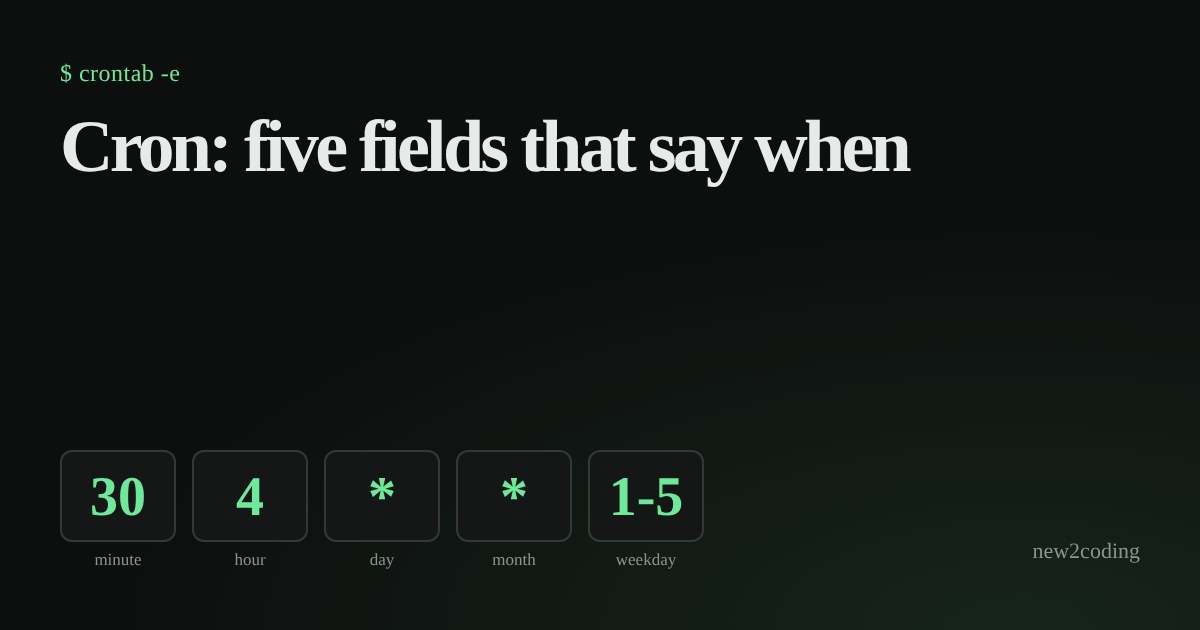
You want a computer to do something every night at 3 a.m.: back up a database, send a report, delete old files. You will not be awake, so a program must start it for you. On Linux and macOS that program is called cron, and the list of jobs it follows is a plain text file called a crontab ("cron table"). The whole trick to using it is reading five little fields.
One line, five fields, then a command
Each line of a crontab is a schedule followed by the command to run. The schedule is five values separated by spaces:
# minute  hour  day-of-month  month  day-of-week   command
  30      4     *             *      *             /home/sam/backup.sh
Read it left to right as "at minute 30, at hour 4, on any day of the month, in any month, on any day of the week". An asterisk * means "every value". So this line runs backup.sh every day at 04:30. Hours use the 24-hour clock, so 4 is 4 a.m. and 16 is 4 p.m.
The allowed numbers are: minute 0 to 59, hour 0 to 23, day of month 1 to 31, month 1 to 12, and day of week 0 to 7, where both 0 and 7 mean Sunday (1 is Monday, 5 is Friday).
Four ways to write a field
Besides a single number and *, a field can hold:
- a list with commas:
1,15means "1 and 15"; - a range with a hyphen:
1-5means "1, 2, 3, 4, 5" (the ends are included); - a step with a slash:
*/15means "every 15th value", so in the minute field it is 0, 15, 30 and 45; - a range with a step:
9-17/2means "from 9 to 17, every second one": 9, 11, 13, 15, 17.
That is the whole language. Try it below. Type into any box, or press a preset, and watch the list of upcoming runs change. To keep the page predictable, "now" is frozen at Sunday 11 October 2026, 23:14, and times are shown as the server's clock would show them.
The one surprising rule
Try the preset called "1st, 15th, or Friday". Its line is 30 4 1,15 * 5. You might expect "the 1st and 15th, but only when they are Fridays", which would almost never happen. That is not what cron does. When both the day-of-month field and the day-of-week field are restricted (not *), cron runs the job when either one matches. The crontab manual page says exactly this. Here is the same rule in Python, run for the five weeks after our frozen "now":
from datetime import date, timedelta

def runs_today(d, days_of_month, days_of_week):
    """days_of_month / days_of_week: a set of numbers, or None for '*'."""
    cron_weekday = (d.weekday() + 1) % 7      # Python: Mon=0.  cron: Sun=0
    dom_ok = days_of_month is None or d.day in days_of_month
    dow_ok = days_of_week is None or cron_weekday in days_of_week
    if days_of_month is not None and days_of_week is not None:
        return dom_ok or dow_ok               # both restricted: EITHER may match
    return dom_ok and dow_ok

start = date(2026, 10, 12)
for i in range(31):
    d = start + timedelta(days=i)
    if runs_today(d, {1, 15}, {5}):
        print(d.strftime("%a %d %b"))
Output when we ran it:
Thu 15 Oct
Fri 16 Oct
Fri 23 Oct
Fri 30 Oct
Sun 01 Nov
Fri 06 Nov
Every Friday shows up, and so do the 15th (a Thursday) and the 1st of November (a Sunday). If you really want "the first Friday", cron alone cannot say it. A common workaround is to schedule every Friday and let the script itself check the date.
Reading some real schedules
| Line | Meaning |
|---|---|
0 9 * * 1-5 | 09:00 on weekdays (Monday to Friday) |
*/15 * * * * | every 15 minutes, all day |
0 0 1 * * | midnight on the 1st of each month |
0 3 * * 0 | 03:00 every Sunday |
5,35 8-10 * * * | at :05 and :35 during the hours 8, 9 and 10 |
A classic slip: * 3 * * * does not mean "once at 3 a.m.". The minute is *, so it runs every minute from 03:00 to 03:59, 60 times. Put a number in the minute field: 0 3 * * *.
What to check before you trust it
- Whose clock? The cron program runs in one time zone, normally the server's. A job set for 4:30 runs at 4:30 server time, which may not be your time. Daylight saving changes can also make a local time happen twice or not at all, so avoid scheduling something critical during the hour the clocks change.
- A small environment. Jobs start with fewer settings than your terminal has, notably a shorter
PATH(the list of folders searched for commands). Use full paths such as/usr/bin/python3and/home/sam/backup.sh. - Percent signs. In a crontab command, an unescaped
%is turned into a newline. If your command containsdate +%F, writedate +\%F. - Save output. Cron has no screen to print to. Add
>> /home/sam/backup.log 2>&1to the end so messages and errors land in a file you can read. - Preview first. Test the command by hand before scheduling it, and check the schedule with a tool like the one above before you rely on it.
To edit your own crontab, run crontab -e; to list it, crontab -l. Other schedulers (systemd timers, cloud schedulers, CI services) use their own syntax, but many of them borrow these same five fields, so this one skill carries over.