networks/udp-why-a-video-call-skips-a-lost-piece-instead-of-waiting.md
UDP: why a video call skips a lost piece instead of waiting
Why does a video call skip a moment instead of freezing until the missing piece turns up? Because it uses UDP, a protocol that sends packets and never checks they arrived.
Lose packets yourself in a side-by-side simulator and watch TCP stall everything behind a loss while UDP carries on. Then run two short Python programs that send UDP datagrams on your own computer, and learn why a successful send does not mean a delivery, and how to decide which protocol your own project needs.
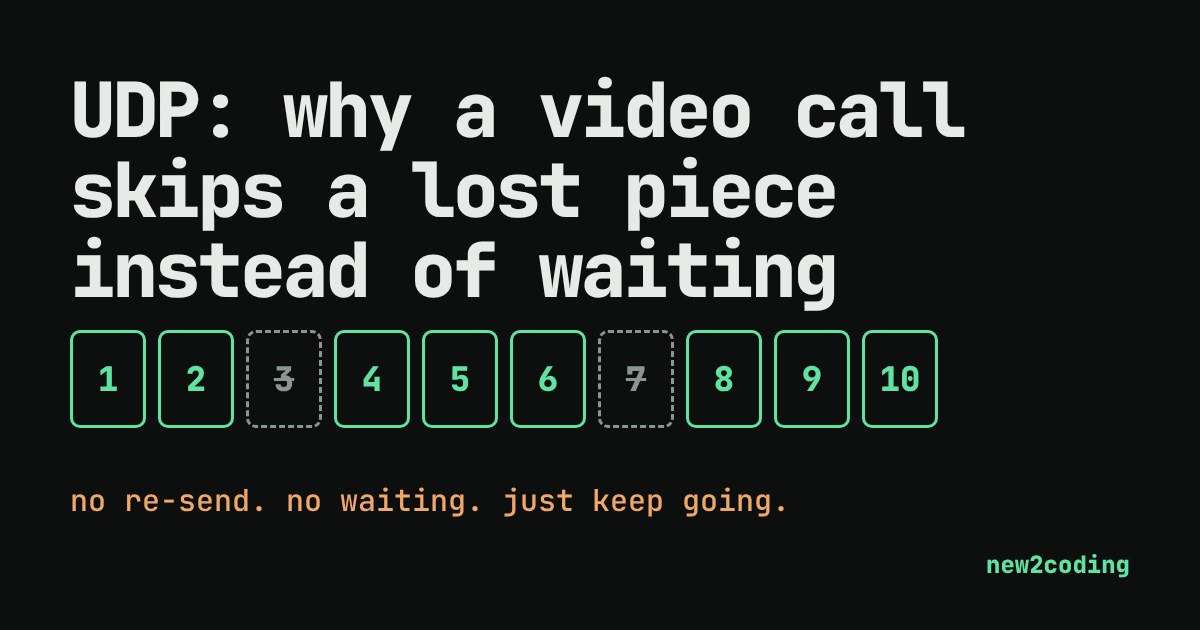
Picture a video call. Your friend's face freezes for half a second, then jumps ahead and carries on. The call never waited for the missing moment; it skipped it. That behaviour comes from a protocol called UDP, and it is the opposite of what the TCP approach does for a web page.
Two ways to handle a lost piece
Data crosses the internet as small numbered chunks called packets. Sometimes a packet gets lost, for example when a busy router has no room and drops it. A protocol is an agreed set of rules, and there are two common rules for what to do next.
TCP promises that every byte arrives, in order. When a packet goes missing, the receiver keeps everything after it waiting, the sender sends the missing one again, and only then does the data move on. That is perfect for a web page or a file: a page with a missing chunk is broken.
UDP (User Datagram Protocol) makes no such promise. It sends each packet, called a datagram, on its way and does not check what happened to it. No connection is set up first, nothing is re-sent, and nothing is put back in order. Its header, the label at the front of every datagram, is only 8 bytes: source port, destination port, length and a checksum. A TCP header is at least 20 bytes.
See the difference
Below, twelve packets of a call are sent one per tick (a tick is just one unit of time). Each takes 2 ticks to arrive. Tap a packet number to lose it. The TCP lane must hand packets over in order and needs 4 extra ticks to notice and re-send a lost one. The UDP lane hands over whatever arrives.
Try losing packet 3 only. In the TCP lane, packets 4, 5 and 6 arrive on time but sit waiting, so the app gets nothing new for several ticks and then a burst. In the UDP lane, packet 3 is a hole and the rest flow on at their normal pace. In a call, one missing 20-millisecond slice of audio is a tiny click; a half-second freeze is much more annoying. Now lose packets 3, 4, 8 and 9 to see the TCP delay stack up.
UDP in a few lines of Python
Python's built-in socket module can use UDP directly. A socket is the doorway a program uses to send and receive network data. Here one socket listens on your own computer (127.0.0.1 always means "this machine") and another sends to it:
import socket

receiver = socket.socket(socket.AF_INET, socket.SOCK_DGRAM)
receiver.bind(("127.0.0.1", 9999))

sender = socket.socket(socket.AF_INET, socket.SOCK_DGRAM)
sender.sendto(b"hello", ("127.0.0.1", 9999))

data, address = receiver.recvfrom(1024)
print(data, "came from", address[0])
Running it prints:
b'hello' came from 127.0.0.1SOCK_DGRAM means "datagrams", which is UDP. There was no connect step and no handshake. The sender just sent. Now the telling part: send to a port where nothing is listening.
import socket

sender = socket.socket(socket.AF_INET, socket.SOCK_DGRAM)
sender.sendto(b"anyone there?", ("127.0.0.1", 9))
print("sendto returned, no error")
sendto returned, no errorThe call succeeded even though nobody was listening. sendto only means "handed to the network", never "arrived". If your program needs to know, you have to build that yourself, for instance by having the other side reply with an acknowledgement.
Where UDP is used
UDP suits data that is useless when late: live voice and video, online games where the newest position matters more than the old one, and live streams. It also suits tiny question-and-answer exchanges, where setting up a connection would cost more than the message itself. A normal DNS lookup is a classic example: it usually travels as one UDP datagram out and one back, to port 53. Modern web traffic over HTTP/3 uses QUIC, which is built on top of UDP and adds its own reliability, so it gets to choose how to recover from loss instead of leaving it to the operating system.
So what for your own code
Choose by asking what a late packet is worth. If a late packet is still valuable (a file, a web page, a payment), use a reliable protocol such as TCP and let the waiting happen. If a late packet is worthless (this frame of video is already over), UDP lets you skip it and keep up. Most beginner projects should start with TCP, usually hidden behind HTTP, and reach for UDP only when real-time behaviour is the point. As of 2026 that choice is still the same one engineers make: not "which is better", but "what should happen to the data that does not make it".