languages/why-does-5-3-give-53-in-javascript-type-coercion-step-by-step.md
Why does "5" + 3 give "53" in JavaScript? Type coercion, step by step
Why does `"5" + 3` give `"53"` while `"5" - 3` gives `2`? It is not random. JavaScript follows a short recipe called type coercion: it decides what kind of value each side is, converts where it must, and then calculates.
Pick two values and an operator in the explorer, watch the steps, and learn to predict every strange result before you run it.
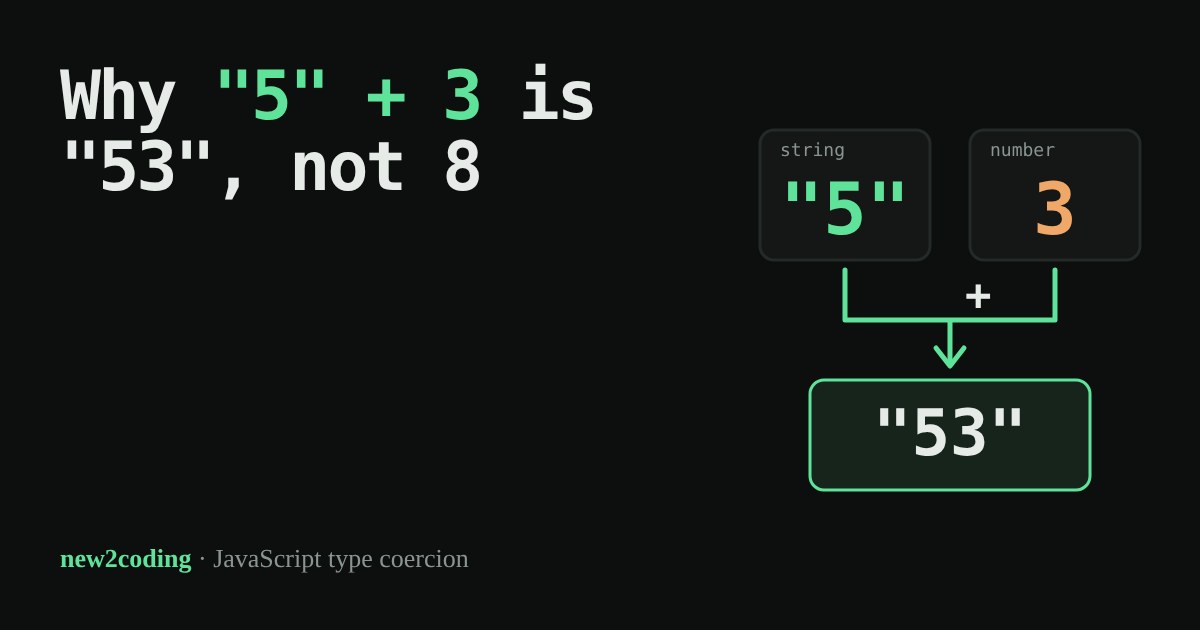
You ask a program for "5" + 3 and expect 8. JavaScript answers "53". Then "5" - 3 gives 2, which looks like a different set of rules. It is not random: JavaScript follows a short, fixed recipe, and once you know it you can predict every one of these answers.
Values have types, and operators care
Every value in JavaScript has a type: a label that says what kind of thing it is. 5 is a number. "5" (with quotes) is a string, which means text that happens to contain the character 5. The computer treats them differently, the same way you treat "the number five" and "the word five" differently.
Sometimes an operator is handed values of the wrong type, such as a string where it wants a number. Many languages stop with an error. JavaScript instead tries to coerce the value, meaning it converts one type to another automatically. That is friendly when it guesses right and confusing when it does not.
The recipe for +
The + sign does two jobs: adding numbers and joining text. To pick the job, JavaScript looks at both sides:
- First, turn any object (like an array) into a simple value. An empty array
[]becomes the empty string"", and[1,2]becomes"1,2". - If either side is a string, turn the other side into a string too, and join them.
- Otherwise, turn both sides into numbers and add them.
So "5" + 3 hits rule 2: the 3 becomes "3" and the result is "53". The string always wins.
The recipe for - and *
Subtraction and multiplication have only one job, so there is no choice to make. Both sides are always turned into numbers. That is why "5" - 3 is 2 and "5" * "2" is 10. When a text cannot be read as a number, the result is NaN, short for "Not a Number", JavaScript's way of saying the math made no sense.
Try it in Node
Here are some of the examples above, run in Node.js 22. The output is real:
console.log("5" + 3);       // 53
console.log("5" - 3);       // 2
console.log("5" * "2");     // 10
console.log(true + 1);      // 2
console.log(null + 1);      // 1
console.log(undefined + 1); // NaN
console.log([] + 1);        // 1
console.log([1,2] + 3);     // 1,23
console.log({} + "x");      // [object Object]x
Look at true + 1: neither side is a string, so rule 3 applies, and true becomes 1. null becomes 0, which gives 1. undefined becomes NaN, and anything plus NaN is NaN. The recipe explains all of them.
Where this bites in real code
The classic case is reading input. Text typed into a form field always arrives as a string, even if it looks like a number:
const age = "17";            // from a form field
console.log(age + 1);         // 171   (joined, not added)
console.log(Number(age) + 1); // 18    (converted first)
The fix is to convert on purpose with Number(...), so the code says what it means. Number(" 42 ") gives 42 (spaces around are ignored), Number("") gives 0, and Number("12px") gives NaN. Check the result if the text came from a person.
== versus ===
JavaScript has two equality checks. == coerces before comparing, so "" == 0 is true. === never converts: if the types differ, the answer is false, so "" === 0 is false. Most style guides suggest === as the default, because the result is easier to predict. Try both in the explorer above.
So what for your own code
Do not memorise odd results. Remember the question to ask: what types are these two values right now? If one is a string and you use +, expect joining. If you want maths, convert with Number() first. And if a result looks strange, print the values with typeof to see what you really have.