networks/latency-vs-bandwidth-why-a-faster-plan-can-t-speed-up-a-small-page.md
Latency vs bandwidth: why a faster plan can't speed up a small page
You upgraded to a much faster internet plan, yet a small web page loads just as slowly. Why? Network speed is two different numbers: bandwidth (how much data flows per second) and latency (how long one message takes to travel).
A page needs several round trips just to start, and light in fibre cannot beat distance. Drag a server around the world and see where the time really goes.
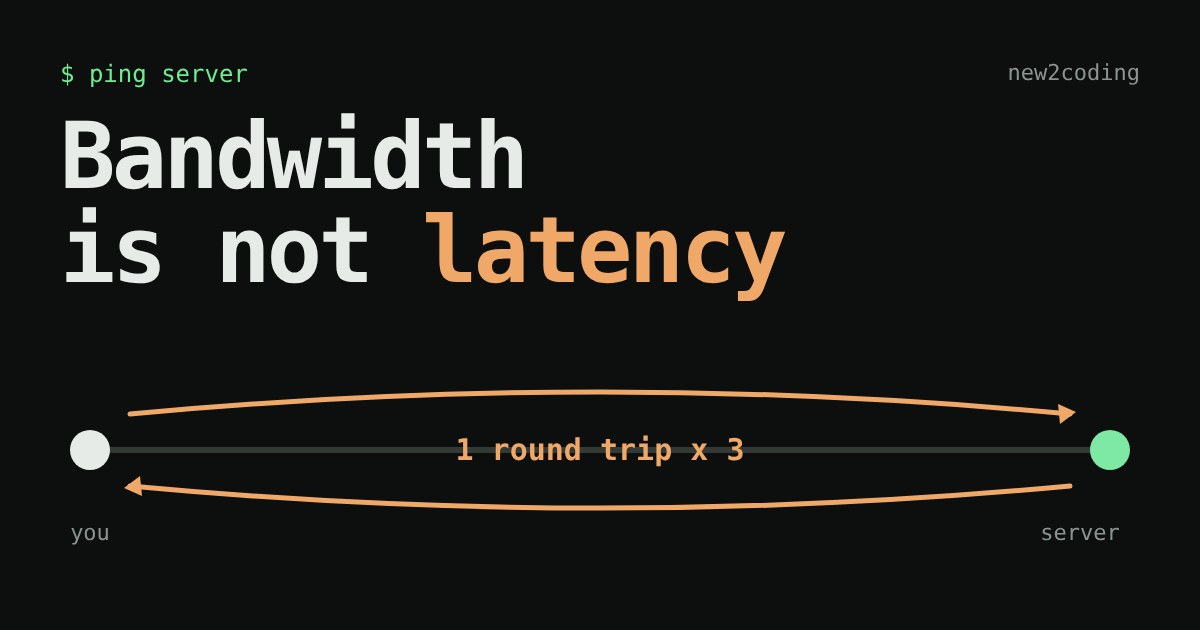
You pay for a faster internet plan. You go from 100 megabits per second to 1,000. Then you open a small web page and it feels exactly the same. Did you get cheated?
Probably not. Your plan improved one thing, and the page was waiting on a different one. Network speed is really two separate numbers, and most people only ever hear about one of them.
Two numbers: bandwidth and latency
Bandwidth is how much data can flow per second. It is measured in megabits per second (Mbps). A bit is a single 0 or 1; a byte is 8 bits. So 100 Mbps moves at most 12.5 megabytes each second. Think of the width of a pipe.
Latency is how long one piece of data takes to get there. It is measured in milliseconds (ms), thousandths of a second. Think of the length of the pipe. A very wide pipe that is very long still makes you wait for the first drop.
Networks usually report latency as the round-trip time (RTT): how long a message takes to reach the other computer and for the reply to come back. That is the number a "ping" shows.
Why latency has a floor you cannot buy your way past
Long-distance internet runs through glass fibre, where signals travel as pulses of light. Light in fibre moves at roughly two-thirds of its speed in empty space, about 200,000 kilometres per second. That sounds fast, but the Earth is big. A server 10,000 km away needs about 50 ms for the signal to arrive and another 50 ms for the answer: 100 ms round trip at the very least, even with perfect cables laid in a straight line. Real routes bend around coasts and pass through many machines, so real round trips are longer.
Your internet provider can widen the pipe. Nobody can shorten the distance to the Moon, or to Australia, by selling you a better plan.
Why one page costs several round trips
Before a browser can even ask for a page, the two computers must talk a little. In a simplified picture of loading an HTTPS page:
- TCP handshake: the browser and the server agree to open a connection ("can we talk?" / "yes" ). That is 1 round trip.
- TLS handshake: they agree on secret keys so nobody on the way can read the traffic. With TLS 1.3, the version most sites use today, this takes 1 round trip.
- The request: the browser says "give me this page" and the first bytes of the answer come back. 1 round trip.
That is three round trips of pure waiting, before the page has finished downloading. Only after that does bandwidth matter: the remaining time is the page's size divided by your speed. (This model ignores a few real details: looking up the address with DNS, the server taking time to build the page, and the way TCP starts slowly. They only make the waiting longer.)
Try it: move the server
Drag the green server along the line to change how far away it is. Pick a page size and a plan, and watch the bar. Orange is waiting; green is actual downloading.
Try the same small page at "same city" and then "far side of the world". Then switch from 100 to 1,000 Mbps. Up close, the bigger plan makes a visible difference. Far away, the bar barely moves, because almost all of it is orange. Now pick the 50 MB file instead: green takes over, and this time the plan matters a lot.
The same idea in a few lines of Python
You do not need the page for this. Here is the whole model as a function (Python 3):
def load_time_ms(distance_km, mbps, size_kb):
    rtt = distance_km / 100 + 2            # best-case round trip in ms
    waiting = 3 * rtt                      # TCP + TLS 1.3 + request
    transfer = size_kb * 1000 * 8 / (mbps * 1_000_000) * 1000
    return rtt, waiting, transfer
Running it for a 500 KB page prints this:
same city, 100 Mbps    wait    7.5 ms + download  40.0 ms =   47.5 ms
same city, 1000 Mbps   wait    7.5 ms + download   4.0 ms =   11.5 ms
far away, 100 Mbps     wait  516.0 ms + download  40.0 ms =  556.0 ms
far away, 1000 Mbps    wait  516.0 ms + download   4.0 ms =  520.0 ms
Ten times the bandwidth cut the nearby page from 47.5 ms to 11.5 ms. For the faraway server it cut 556 ms to 520 ms, about 6 percent. The waiting did not change at all.
What this means for your own code
Once you see round trips as the expensive thing, a lot of advice makes sense:
- Fewer, bigger requests beat many small ones. If your program asks a server for 50 things one after another, and each answer takes one round trip, you wait 50 round trips. Ask for all 50 in one request when the API allows it.
- Reuse connections. Opening a new connection repeats the handshakes. Keeping one open ("keep-alive") pays that cost once.
- Put data close to people. A CDN (content delivery network) keeps copies of files on servers in many places, so the distance, and the round trip, gets shorter.
- Big downloads are different. A video or a game update is limited mostly by bandwidth. That is where a faster plan helps.
Next time something feels slow, ask a simple question first: is it waiting, or is it carrying? Waiting means latency. Carrying means bandwidth. The fix for each is different.