mobile/app-lifecycle-why-your-phone-forgets-what-you-typed-when-you-switch-ap.md
App lifecycle: why your phone forgets what you typed when you switch apps
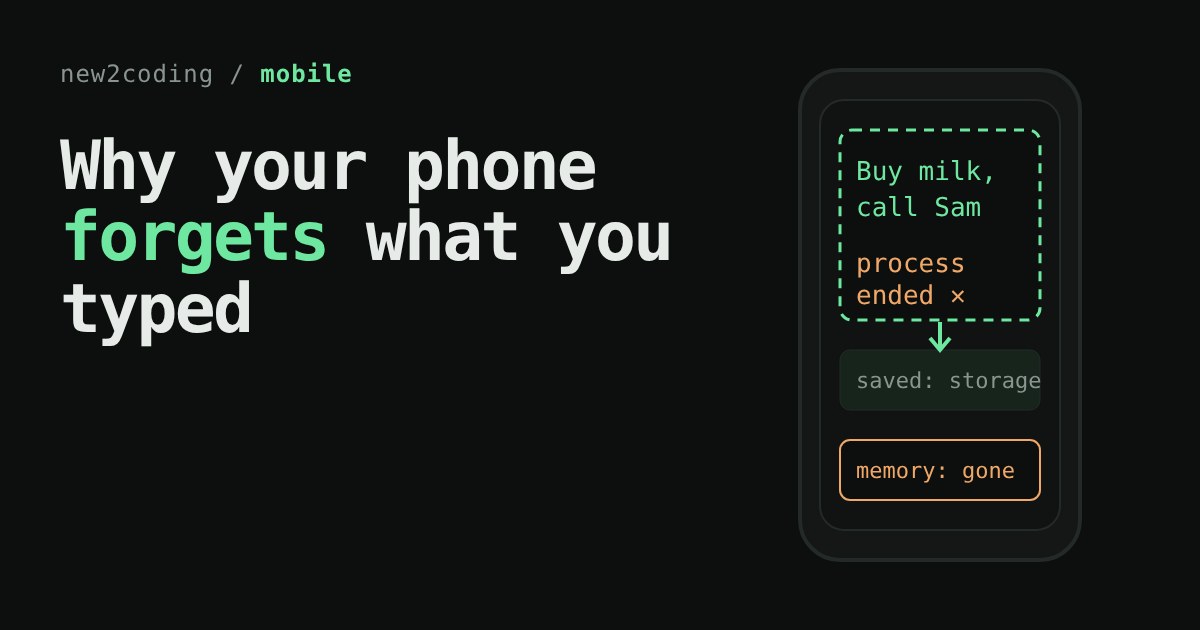
You switch apps for a minute, and when you come back the message you were typing is gone. Nothing was broken: the phone needed memory, ended the app's process, and everything that lived only in memory went with it.
This short read explains how Android and iOS treat apps as guests, what stopped, background and suspended mean, and why you can't save at the moment an app is ended. Use the pretend phone to lose a draft on purpose, then save it properly.
You switched apps for a minute. Where did your text go?
You are typing a long message. A notification arrives, you open another app to check it, and when you come back, the message box is empty. Nothing you did was wrong. Your phone made a decision about memory, and the app was not ready for it.
This happens to every mobile developer once, usually on a real phone and never on the test one. Let's see why, using a small pretend phone.
Apps are guests, and the phone owns the memory
A computer's memory (RAM) is the fast, temporary space where running programs keep their variables. It is limited, and a phone has less of it than a laptop. Only one app is on screen at a time, so the phone treats everything else as a guest it can ask to leave.
Each app lives in a process: a running copy of the program with its own slice of memory. When the phone ends a process, every variable inside it is gone, including the text that was sitting in your message box.
Both Android and iOS describe an app's life as a handful of states. The names differ, the idea is the same:
| Idea | Android activity | iOS scene |
|---|---|---|
| On screen, in use | Resumed | Foreground, active |
| Partly covered or leaving | Paused | Foreground, inactive |
| Not visible, still in memory | Stopped | Background, then suspended |
| Gone | Process ended | Disconnected / not running |
Android's documentation says it plainly: the system can end your app's process while the user is away and your activity is stopped. Apple's documentation says UIKit can disconnect a background or suspended scene at any time to reclaim its resources. Neither promises to warn you first.
Try it: lose a draft on purpose
Type something in the notes app. Press Leave the app, then Open a big game, which uses so much memory that the phone has to free some. Then come back. Run it once with the box unticked and once ticked.
Two things stand out. If you leave and return right away, the text is still there, because the phone did not need the memory. And when the phone did end the process, the only thing that came back was what your code had written to storage before that moment. You cannot save at the moment of death, because nothing is promised to run then.
The same idea in a few lines
You can see the whole mechanism without any phone. In this JavaScript, disk is storage that outlives the app, and setting app = null stands in for the phone ending the process:
const disk = {};

function launch() {
  const app = { draft: disk.draft ?? "" };
  return app;
}

let app = launch();
app.draft = "Buy milk, call Sam";
console.log("typed:   ", JSON.stringify(app.draft));

disk.draft = app.draft;   // save when the screen goes away
app = null;               // the system ends the process

app = launch();           // user taps the icon again
console.log("restored:", JSON.stringify(app.draft));
Running it with Node prints:
typed:    "Buy milk, call Sam"
restored: "Buy milk, call Sam"
Comment out the line disk.draft = app.draft; and the second line becomes restored: "". Same code, same phone, one missing save.
What to do about it in your own app
Save early and when leaving. Android's guide suggests doing heavier saving when the activity stops, and not in onPause, which should stay brief. Apple's guide says to save data when the app leaves the foreground-active state. Neither platform wants you to wait for the end.
Keep the screen's state somewhere that survives. On Android, a ViewModel survives things like rotation, but not the process ending. Jetpack Compose's rememberSaveable is documented to survive both configuration changes and system-initiated process death, and works well for small things like typed text or scroll position. Bigger or longer-lived data, such as a draft you care about, belongs in local storage such as a database or a file.
Test it on purpose. Because the phone only ends processes when memory is tight, you rarely see this at your desk. The simplest manual test is to leave your app, open several heavy apps, and return.
Treat "come back" as "start again". The safest mental model is that every return might be a fresh launch that has to rebuild the screen from saved data. If your app does that well, the lucky case (still in memory) works as well, for free.
The takeaway
A phone app is a guest. It can be asked to leave without notice, and its variables leave with it. Anything a person would be upset to lose has to be written to storage while the app is still alive, which for most apps means as soon as it changes or at the latest when it leaves the screen.