web/http-requests-and-responses-what-a-404-and-a-301-really-say.md
HTTP requests and responses: what a 404 and a 301 really say
Every web page starts as two short pieces of plain text: a request from your browser and a response from a server. Learn to read them and the mystery of codes like 404 and 301 disappears.
Try a pretend server right in the page: send requests, follow a redirect hop by hop, and tap any line to see what it means. Then run the same conversation yourself with a few lines of Python, and learn the five status-code families that make debugging easier.
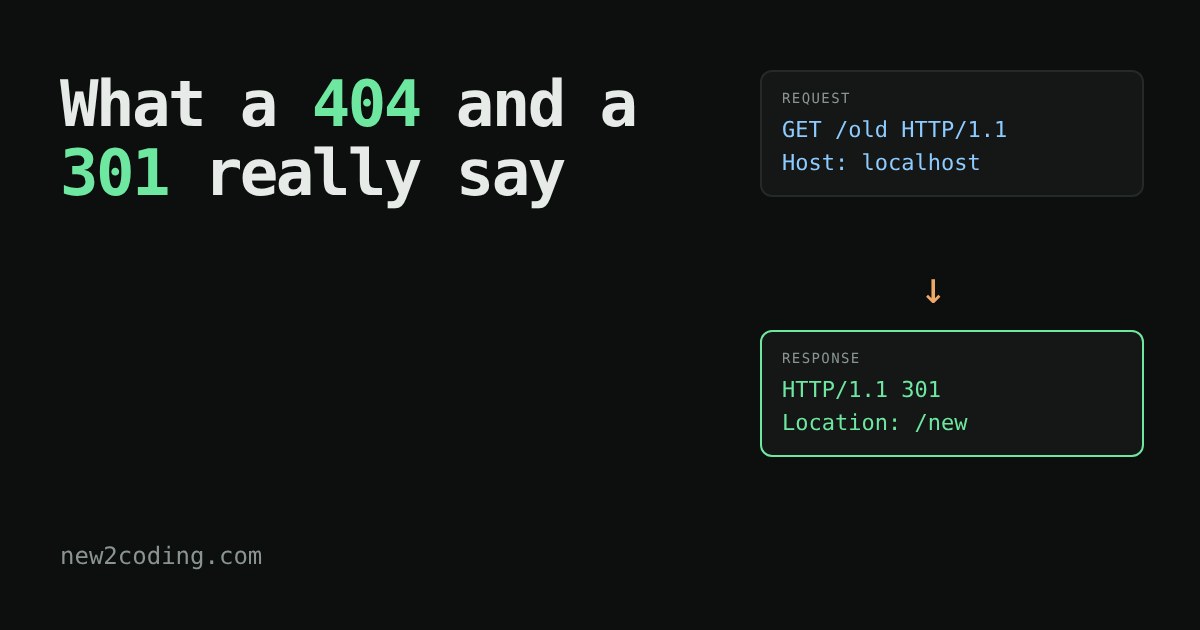
Every time you open a web page, your browser and a server swap two short pieces of plain text. The browser sends a request, the server sends back a response. That is the whole conversation. This protocol is called HTTP (HyperText Transfer Protocol), and once you can read those two messages, a lot of web mysteries (like the famous "404") stop being mysterious.
What a request looks like
A request is just lines of text. Here is a real one, sent by a small program to a server running on the same computer:
GET /old HTTP/1.1
Host: localhost
Connection: close
The first line is the request line. It has three parts: the method (GET means "please give me this"), the path (/old, which thing you want), and the version (HTTP/1.1). The lines after it are headers, each a name: value pair giving extra information. Host says which website you want, because one server can host many sites. A blank line marks the end of the headers.
What a response looks like
The server answers in the same style. This is the real reply to that request, with a couple of routine headers (Server and Date) trimmed out to save space:
HTTP/1.1 301 Moved Permanently
Content-Type: text/plain; charset=utf-8
Content-Length: 0
Location: /new
The first line, the status line, holds a three-digit status code and a short human-readable reason. The code is for programs, the words are for people. Headers follow, then a blank line, then the body (the actual page, image or data). Here the body is empty, because the server is not sending a page. It is sending a message: "that moved, look at Location instead."
Try it: a pretend server
This server lives in the page and behaves like the one that produced the text above. It knows three paths: /, /old and /new. Anything else gets a 404. Pick a path or type your own, press Send, then tap any line to see what it means.
Two things to notice. First, with /old and "follow redirects" ticked, you get two exchanges: the 301, then a fresh request for /new. A redirect is not magic, it is an ordinary response that says "ask over there". Second, the typo /nope still gets a perfectly well-formed reply. A 404 means the conversation worked and the answer was "nothing here".
The status code families
You do not need to memorise dozens of codes. Learn the five families by their first digit:
| Range | Meaning | Examples |
|---|---|---|
| 1xx | Hold on, still working | 100 Continue |
| 2xx | It worked | 200 OK, 201 Created |
| 3xx | Look somewhere else | 301 Moved Permanently, 304 Not Modified |
| 4xx | The request has a problem | 400 Bad Request, 403 Forbidden, 404 Not Found |
| 5xx | The server has a problem | 500 Internal Server Error, 503 Service Unavailable |
This split is useful when debugging. A 4xx says "look at what you sent". A 5xx says "the bug is on the server side, and refreshing might help or might not".
Do it yourself in Python
You can talk HTTP without a browser. Python's standard library lets you open a connection and type the request by hand. The sketch below sends a request to a server on your own computer (the small server from this article, which you would run yourself on port 8077):
import socket

s = socket.create_connection(("127.0.0.1", 8077))
s.sendall(b"GET /nope HTTP/1.1\r\nHost: localhost\r\nConnection: close\r\n\r\n")

data = b""
while chunk := s.recv(4096):
    data += chunk
print(data.decode())
Notice the \r\n at the end of every line: HTTP/1.1 ends lines with a carriage return plus a newline, and the final \r\n\r\n is the blank line that says "headers are done". The first lines printed are:
HTTP/1.1 404 Not Found
Server: BaseHTTP/0.6 Python/3.13.16
Date: Sat, 10 Oct 2026 11:14:22 GMT
Content-Type: text/plain; charset=utf-8
Content-Length: 9

Not found
That is the same shape you saw in the pretend server, because it is the same protocol.
So what, for your own code?
When something on the web fails, ask which half of the conversation went wrong. In your browser's developer tools (usually F12), the Network tab lists every request and the status code that came back. A red 404 on an image means the path is wrong. A 500 on a form submit means the server crashed while handling it. A 301 loop means two pages keep pointing at each other.
Newer versions of HTTP (HTTP/2 and HTTP/3) pack the same ideas, methods, paths, headers and status codes, into a compact binary form instead of readable text. Your browser and server do the translating, so what you learned here carries over: the text above is simply the easiest way to see what is being said.