tools/regular-expressions-describe-the-shape-of-text-and-watch-a-pattern-fin.md
Regular expressions: describe the shape of text and watch a pattern find it
A regular expression describes the shape of text instead of spelling it out, so one short pattern can find every phone number or check that a field holds only digits.
This article builds up the pieces (character kinds like \d, quantifiers, anchors and groups), shows why <.+> grabs far more than you expect, and lets you edit a live matcher to see each match light up. It also says where regex is the wrong tool.
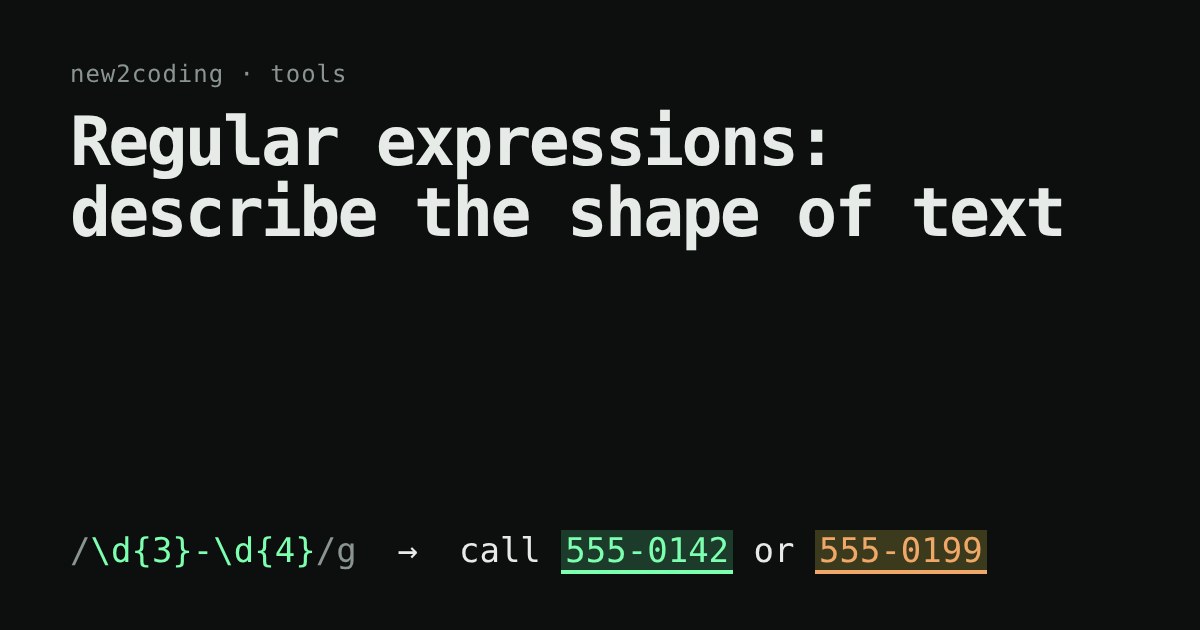
You have a long list of text and you want every phone number in it. Or every line that starts with a date. Or you want to check that a form field contains only digits. Typing a rule for each case is slow. A regular expression (people say regex) lets you describe the shape of the text you want, and the computer finds everything with that shape.
A pattern is a description, not a word
Most characters in a pattern just match themselves: cat finds the letters c, a, t in a row. The power comes from a few special symbols that stand for "any one of a kind of character":
| Symbol | Matches |
|---|---|
\d | one digit, 0 to 9 |
\w | one letter, digit or underscore |
\s | one whitespace character (space, tab, newline) |
. | any one character except a newline |
[abc] | one of a, b or c |
Because . is special, to match a real dot you write \.. The backslash means "treat the next symbol as plain text".
How many times? Quantifiers
A symbol on its own matches once. Put a quantifier after it to say how many repeats are allowed: + means one or more, * means zero or more, ? means zero or one, and {3} means exactly three. So \d{3}-\d{4} means three digits, a dash, four digits.
const s = "Call 555-0142 or 555-0199 before 5pm.";
console.log(s.match(/\d{3}-\d{4}/g));
// [ '555-0142', '555-0199' ]
That output comes from running the code in Node 22. The trailing g is a flag that means "find all matches, not just the first".
Try it yourself
Edit the pattern or the text. Matches light up as you type. Anything in round brackets becomes a numbered group listed underneath, which is how code pulls a piece out of a match.
Anchors and groups
Some symbols match a position instead of a character. ^ is the start of the text and $ is the end. To check that a whole field is digits, the pattern must stretch from start to end:
console.log(/^\d+$/.test("2026")); // true
console.log(/^\d+$/.test("20x6")); // false
Without the anchors, \d+ would happily match the "20" inside "20x6", and the check would pass. Pick the "Only digits?" button above, then delete the ^ and the $ to see it.
Round brackets save part of a match. Matching a date and keeping its pieces:
const m = "2026-11-14".match(/(\d{4})-(\d{2})-(\d{2})/);
console.log(m[0], m[1], m[2], m[3]);
// 2026-11-14 2026 11 14
m[0] is the whole match and m[1] onward are the groups, counted by the opening bracket from the left.
Greedy by default, and how to stop it
Quantifiers are greedy: they grab as much text as they can, then give some back only if the rest of the pattern needs it. Try the "Greedy" button. The pattern <.+> starts at the first <, lets .+ run to the very end of the text, then backs up until it finds a >. The result is one giant match covering both tags and the words between.
Adding a ? after the quantifier makes it lazy: it takes as little as possible. That is the "Lazy" button.
const h = "<b>hi</b> and <i>there</i>";
console.log(h.match(/<.+>/)[0]);   // <b>hi</b> and <i>there</i>
console.log(h.match(/<.+?>/g));  // [ '<b>', '</b>', '<i>', '</i>' ]
Where regex stops being the right tool
A regex is great for the shape of short, flat text: IDs, dates, search-and-replace in an editor, pulling fields out of log lines. It is a poor fit for nested structures. Real HTML, for example, has tags inside tags, and a pattern cannot track that nesting reliably, so use an HTML parser for it.
One more warning, because the demo above protects you from it. Patterns with a repeat inside a repeat, such as (a+)+b, can make some engines try an exponential number of ways to split the text before giving up. This is called catastrophic backtracking. The demo refuses patterns of that shape rather than freeze your browser tab. In your own code, keep patterns simple and avoid nested repeats on user-supplied text.
Handy habits: build a pattern one piece at a time, test each piece on real sample text, and escape the special symbols (. + * ? ( ) [ ] { } ^ $ \ |) with a backslash when you mean them literally. Syntax differs a little between languages, but everything on this page works in JavaScript, and most of it works almost unchanged in Python, Ruby and Go.